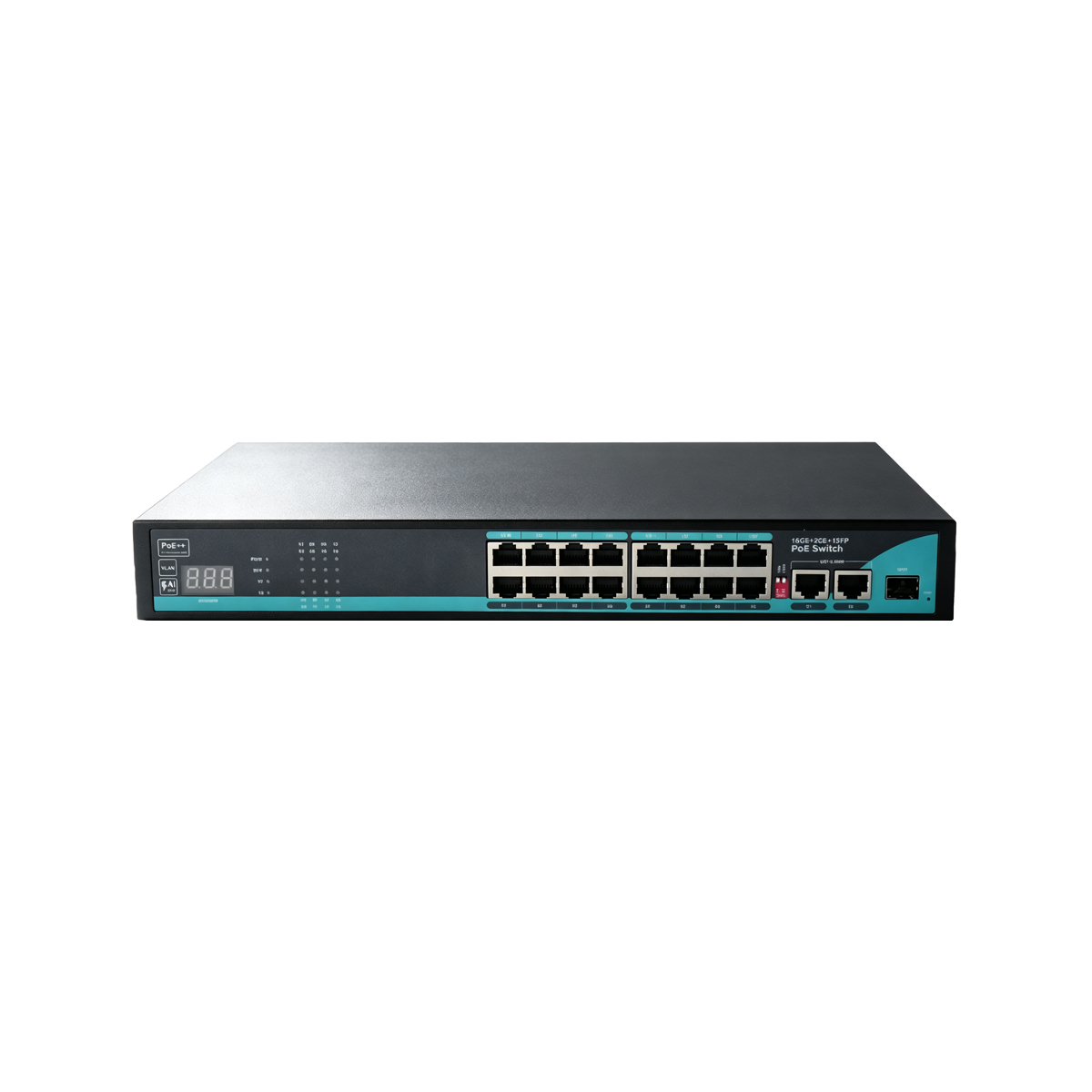

Reliable 8ch PoE Switch for Demanding Surveillance Deployments
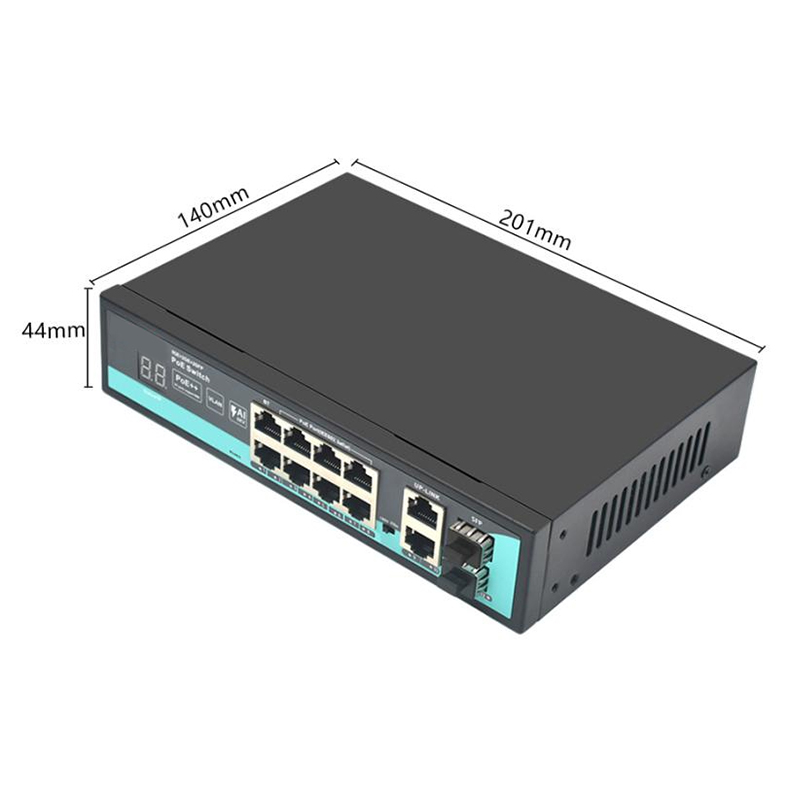
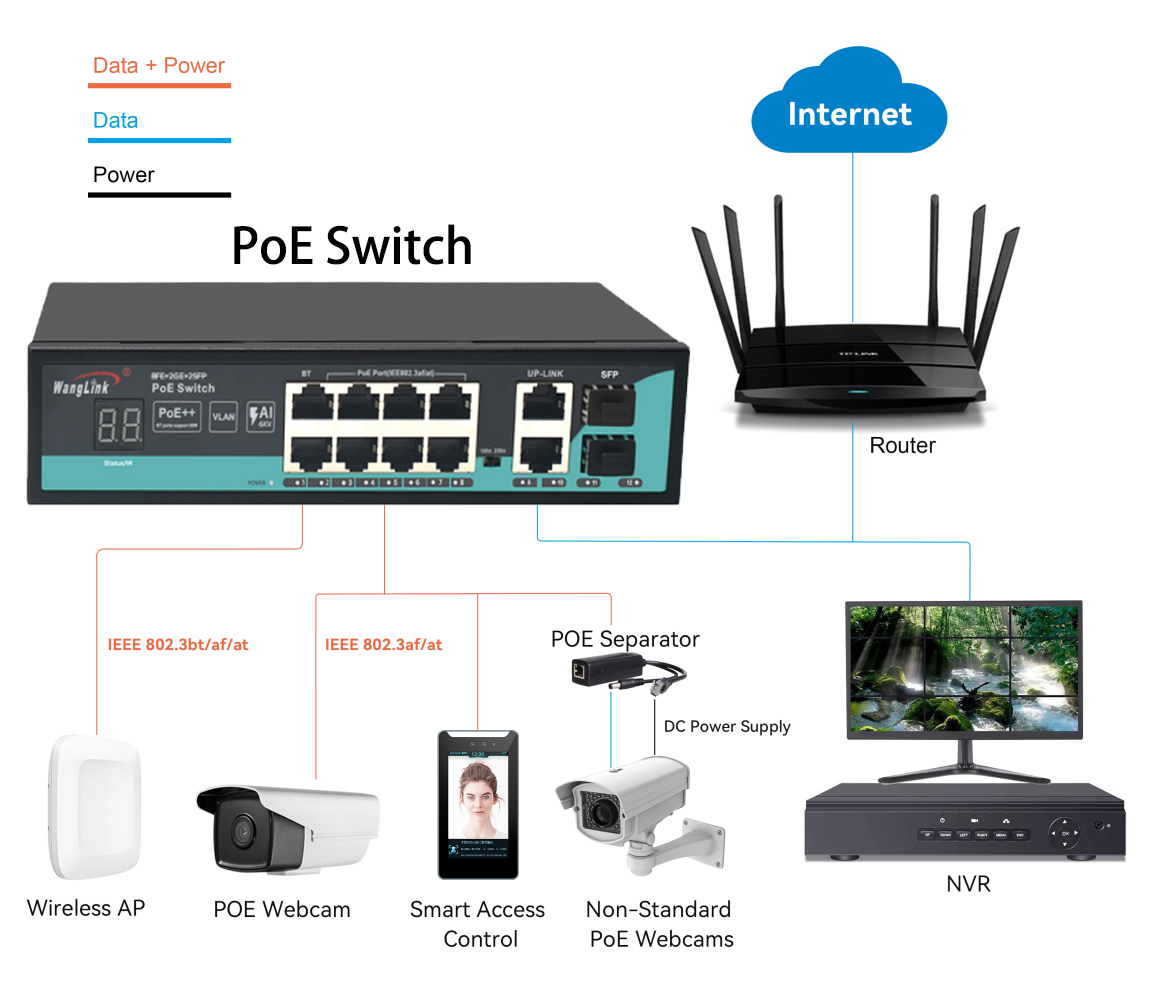
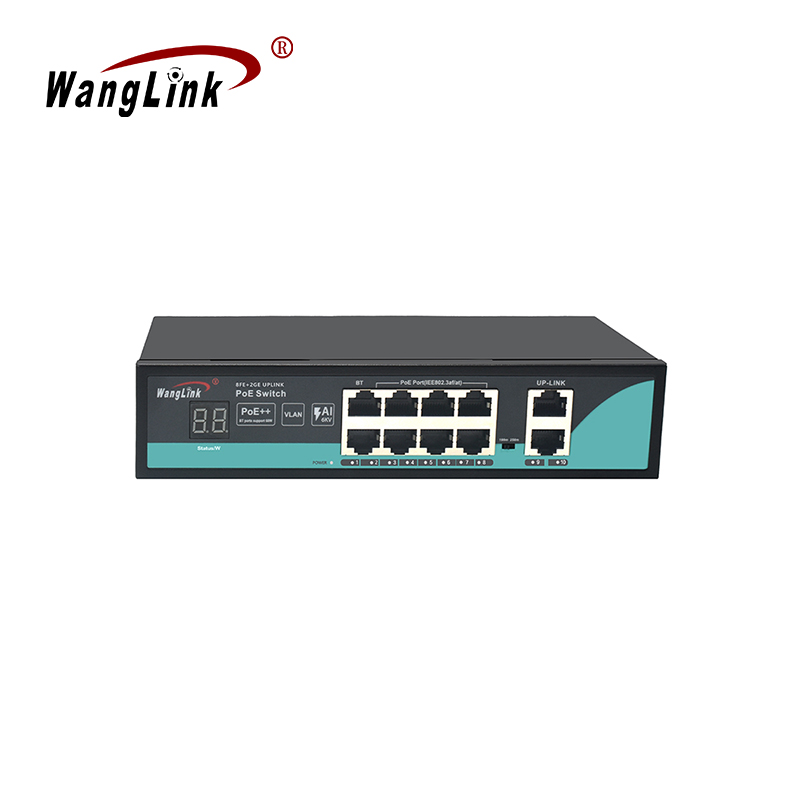
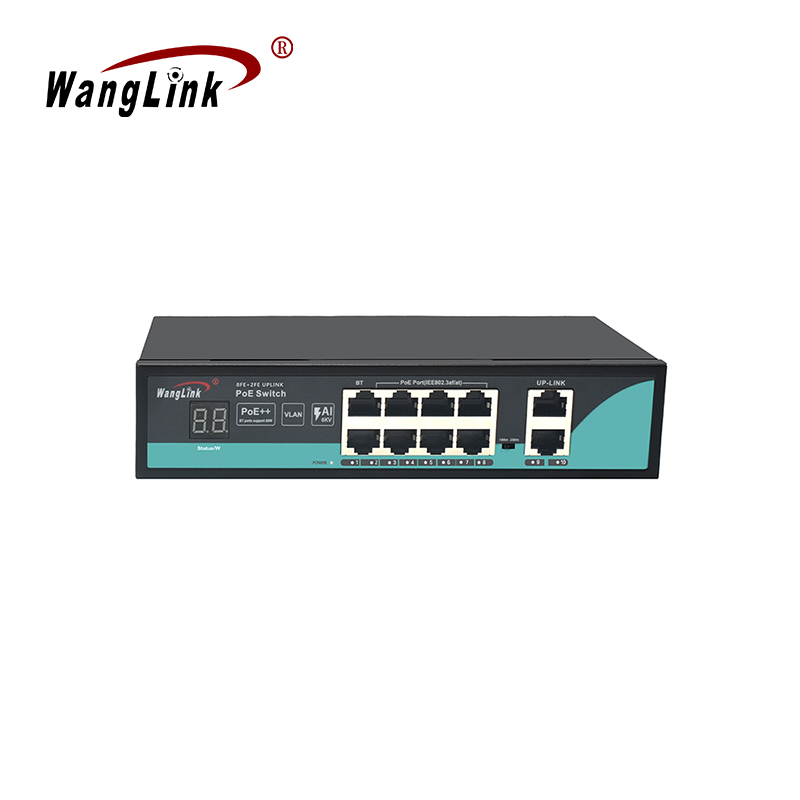
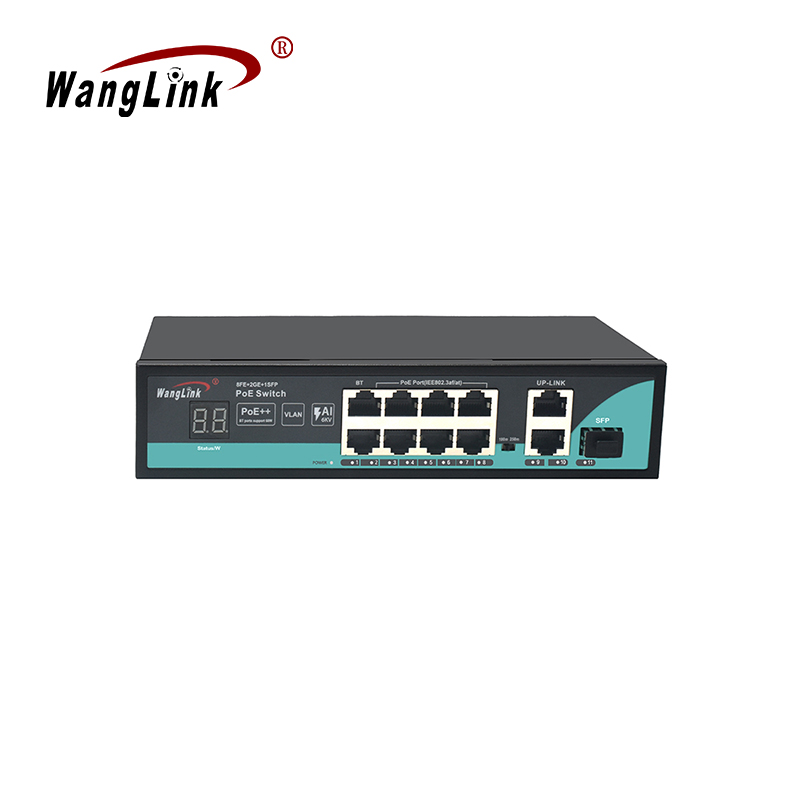
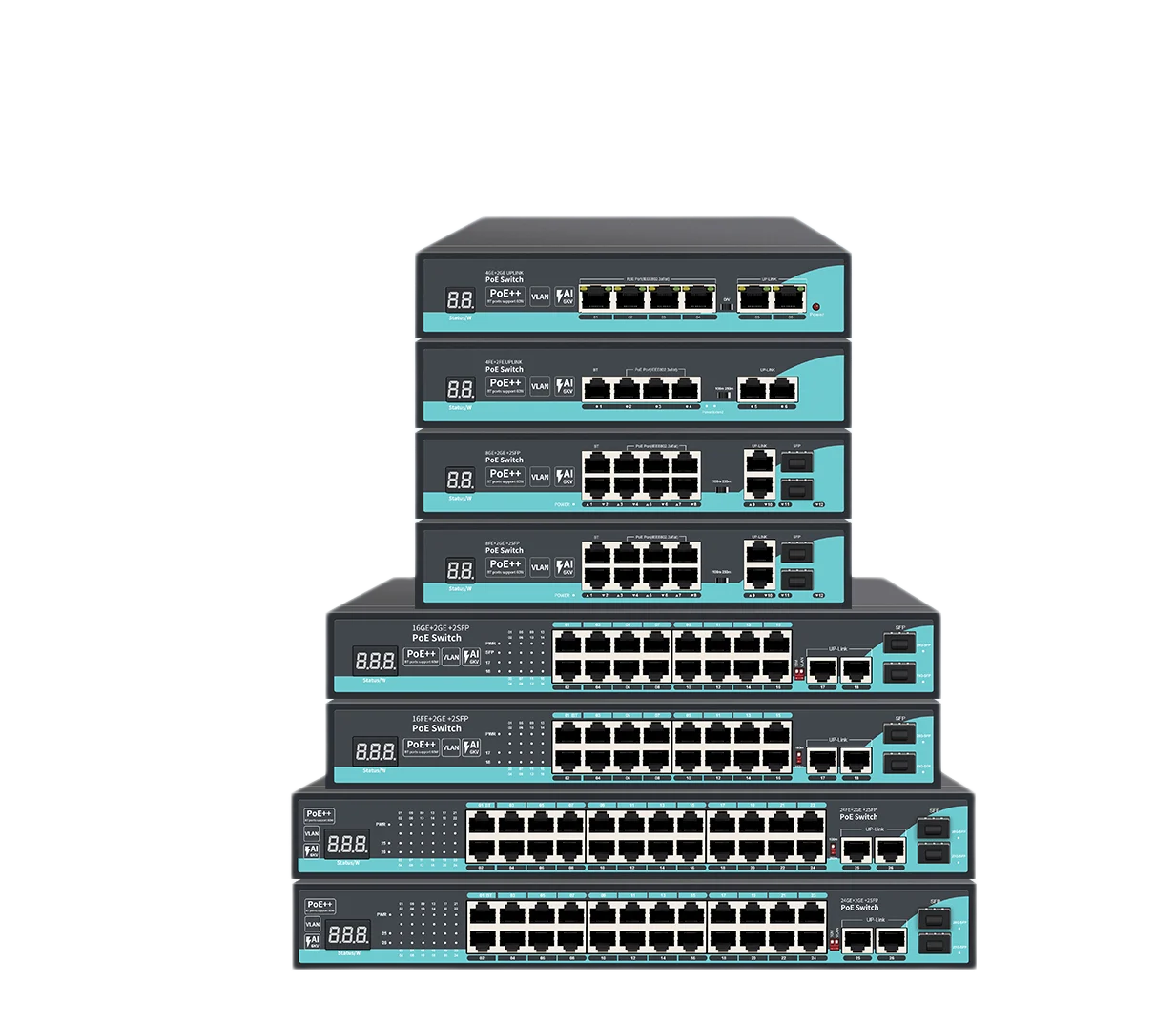
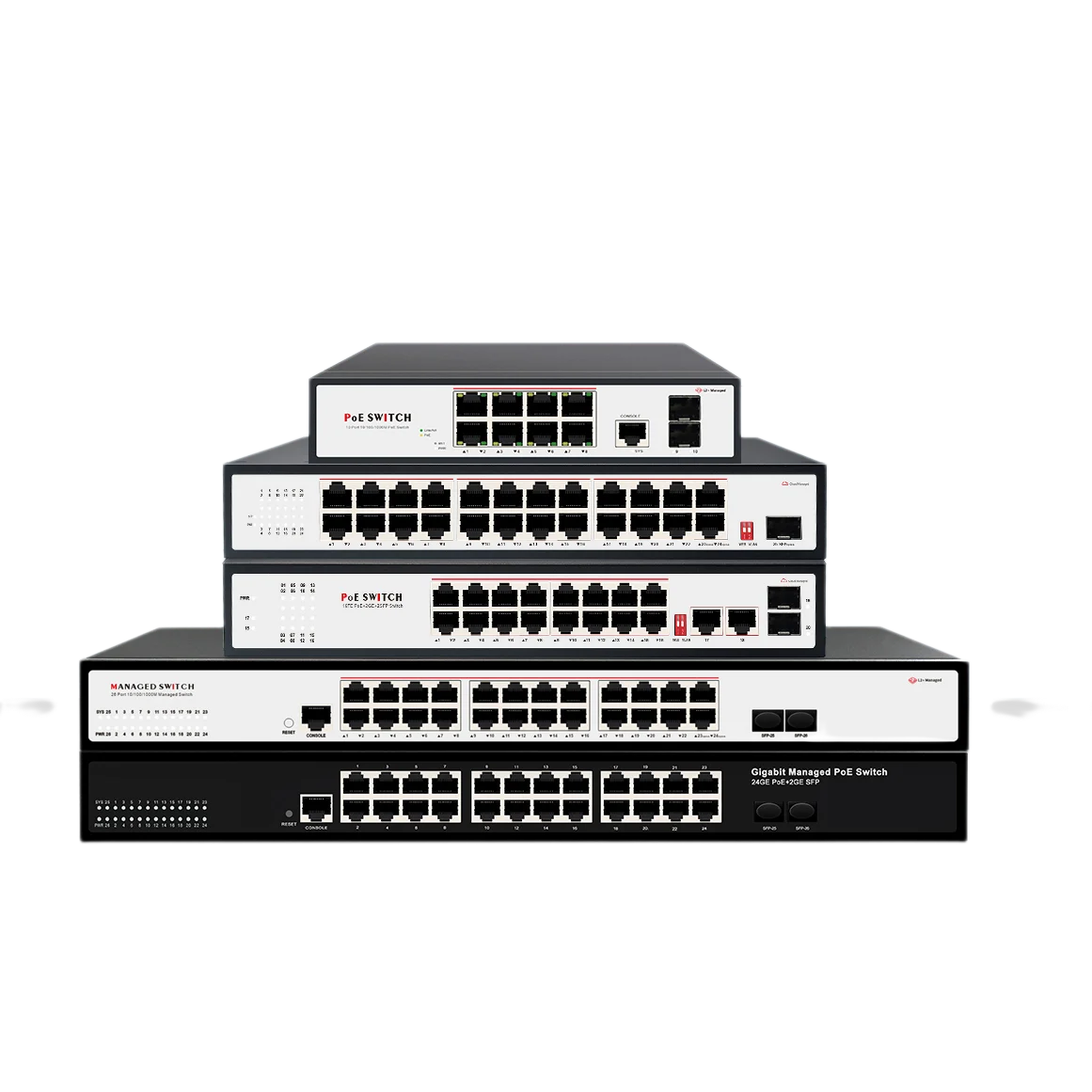
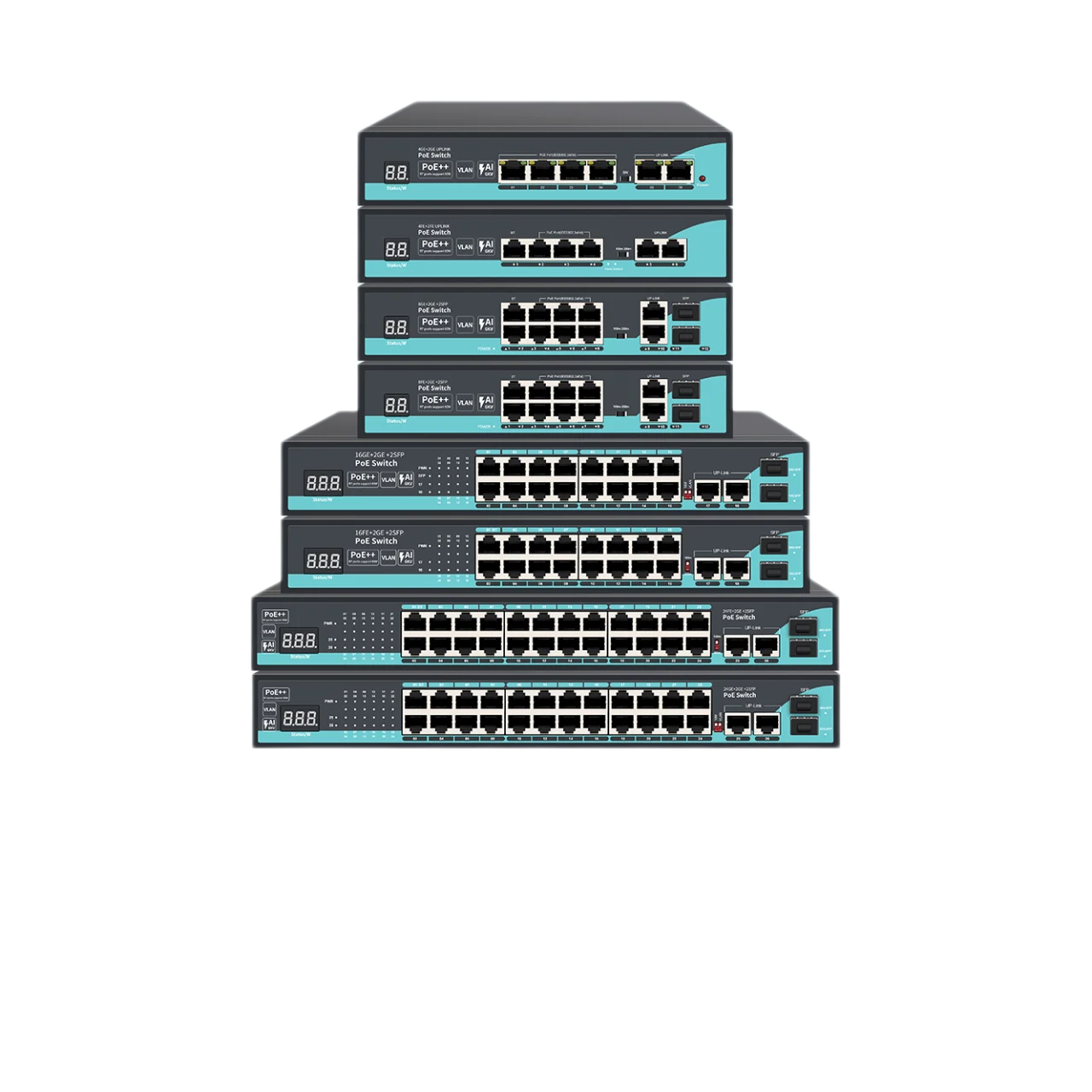
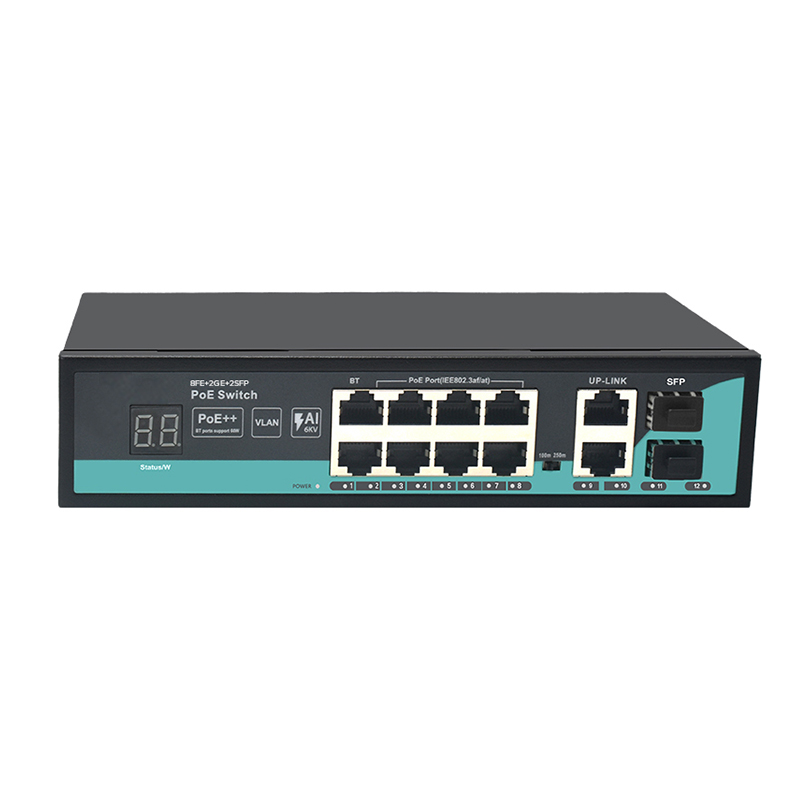
When you need to power multiple IP cameras or wireless access points without running separate power cables, this 8ch PoE switch delivers exactly that—and more. Based on the SL822P-DPM platform, it packs eight 10/100Base-TX PoE ports (ports 2–8 support IEEE 802.3af/at with up to 25.4W per port), plus a dedicated port 1 that pushes 60W under the newer 802.3bt (PoE++) standard. That extra power means you can drive high-consumption devices like PTZ cameras or outdoor APs without worrying about budget limits.
What sets this unit apart from typical 8-port PoE switches is the DIP-switch-controlled long-distance mode. Flick the switch, and all eight PoE ports drop to 10M but extend twisted-pair transmission up to 250 meters. In real-world terms, that saves you from having to install intermediate switches or signal boosters in a large warehouse, parking lot, or multi-floor building. Combined with the one-key VLAN isolation mode (which separates ports 1–8 from each other while still letting them talk to the uplink ports), you effectively reduce broadcast storms and keep camera traffic isolated—crucial for stable video streaming.
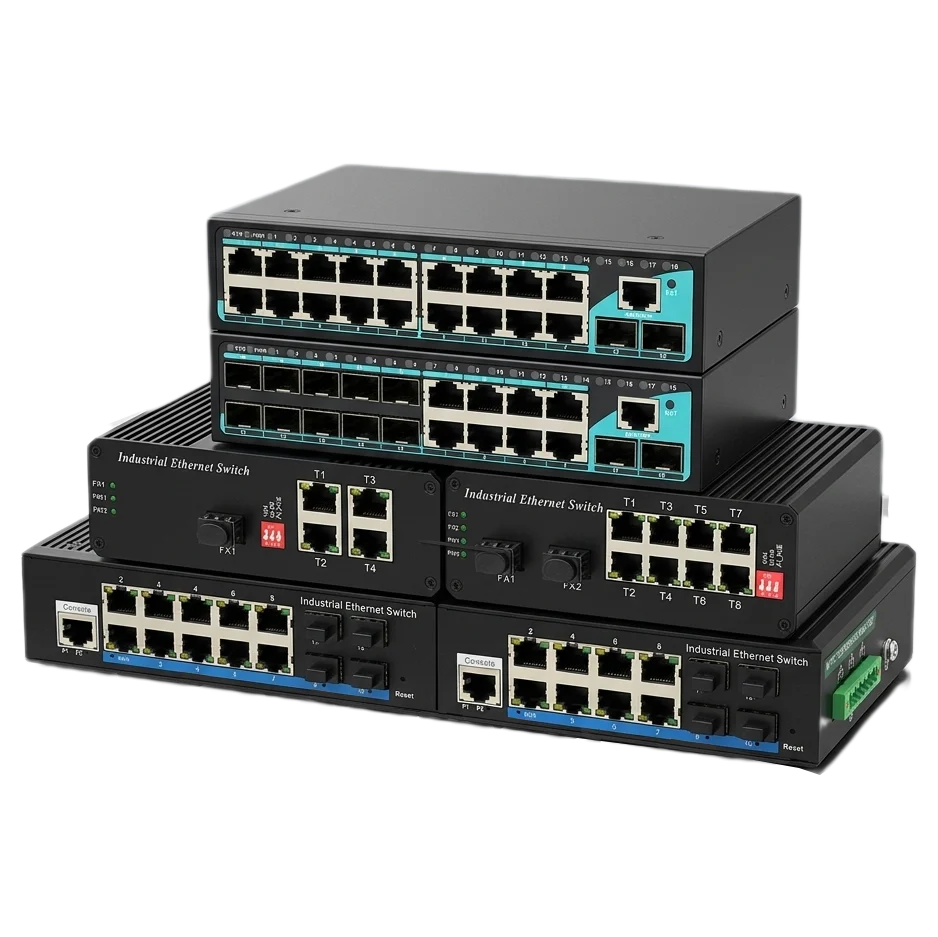
On the uplink side, you get two 10/100/1000Base-T copper ports and two 1000Base-X SFP slots (ports 9–12). This mix gives you flexibility: use the copper ports for short backbone links, or pop in SFP modules for fiber runs up to 100km. The unmanaged nature means zero configuration—just plug in cables, and the switch auto-negotiates speed, duplex, and MDI/MDI-X. It’s built for IT administrators and integrators who value time-saving simplicity in hotel, retail, residential, and SMB environments.
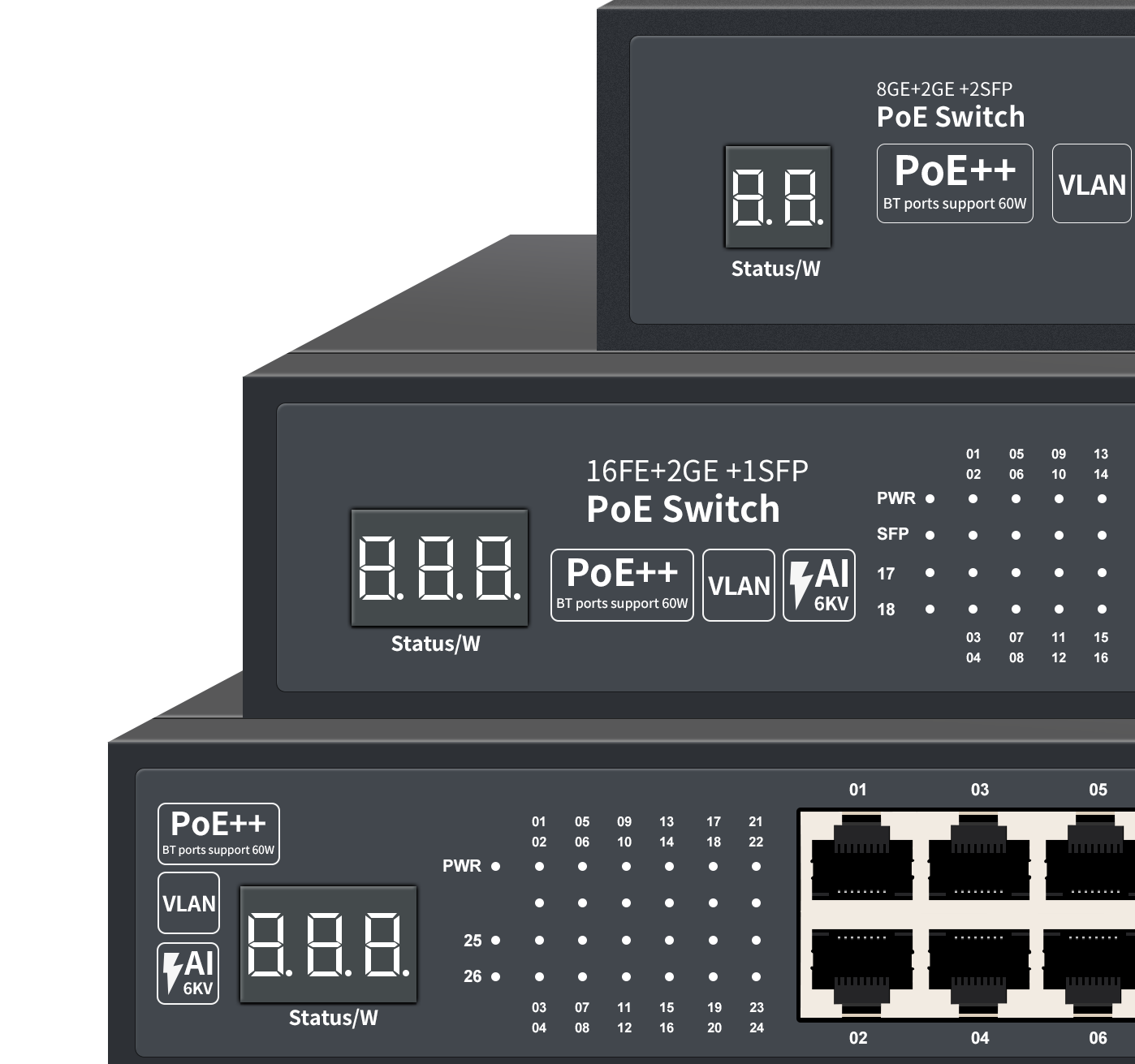
Hardware-wise, the metal chassis with built-in power supply handles natural convection cooling (no fan noise) and operates reliably from -20°C to 60°C. An optional 6KV/4KV surge protection and AI network self-healing (watchdog) add an extra layer of resilience for outdoor or unstable power grids. The front-panel digital tube shows real-time PoE power usage—a small but handy feature when you’re troubleshooting load distribution.