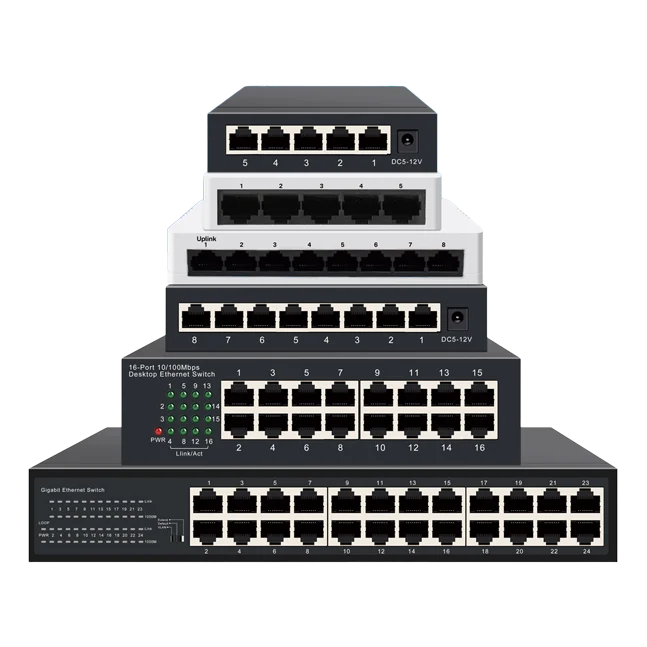
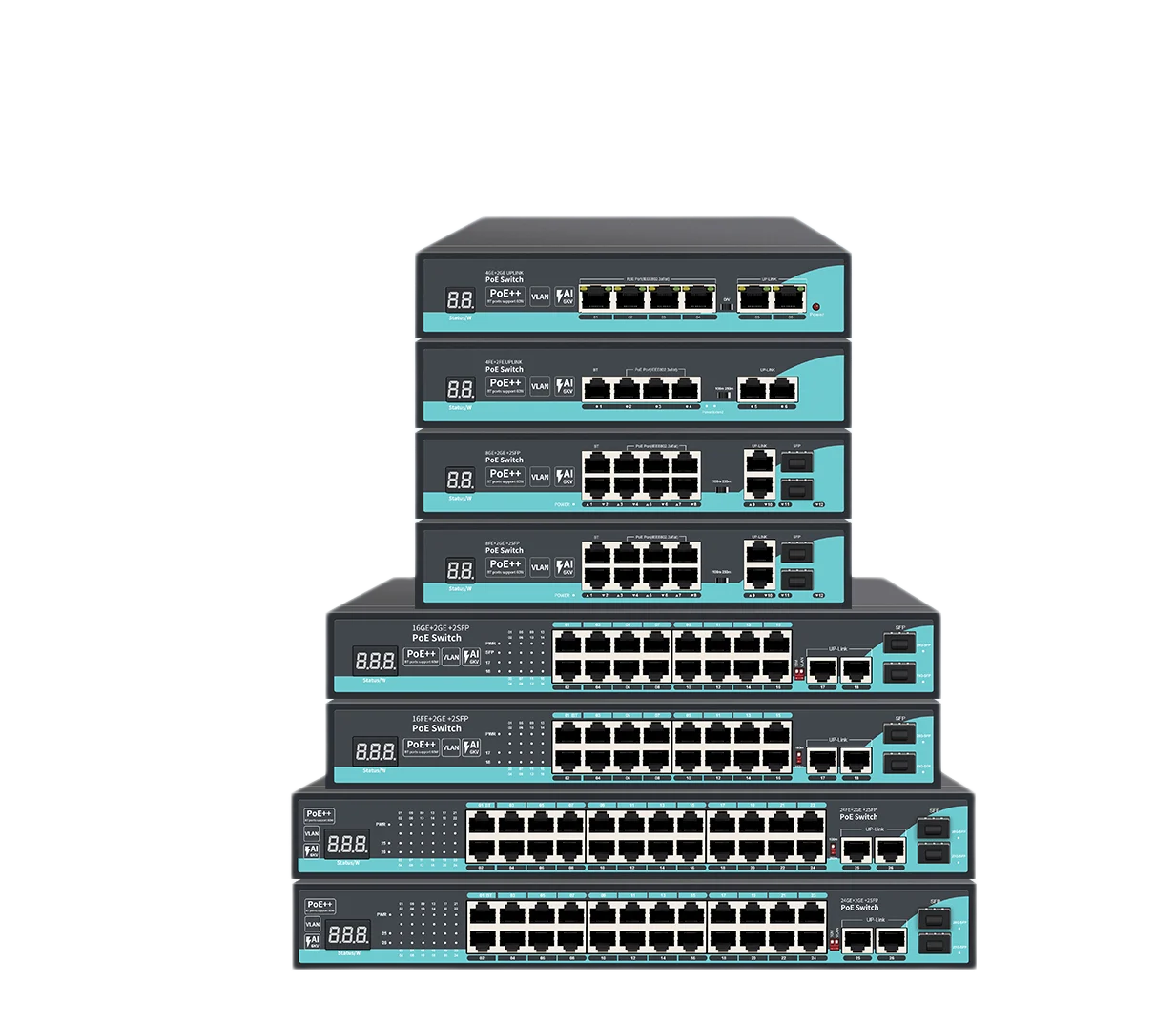
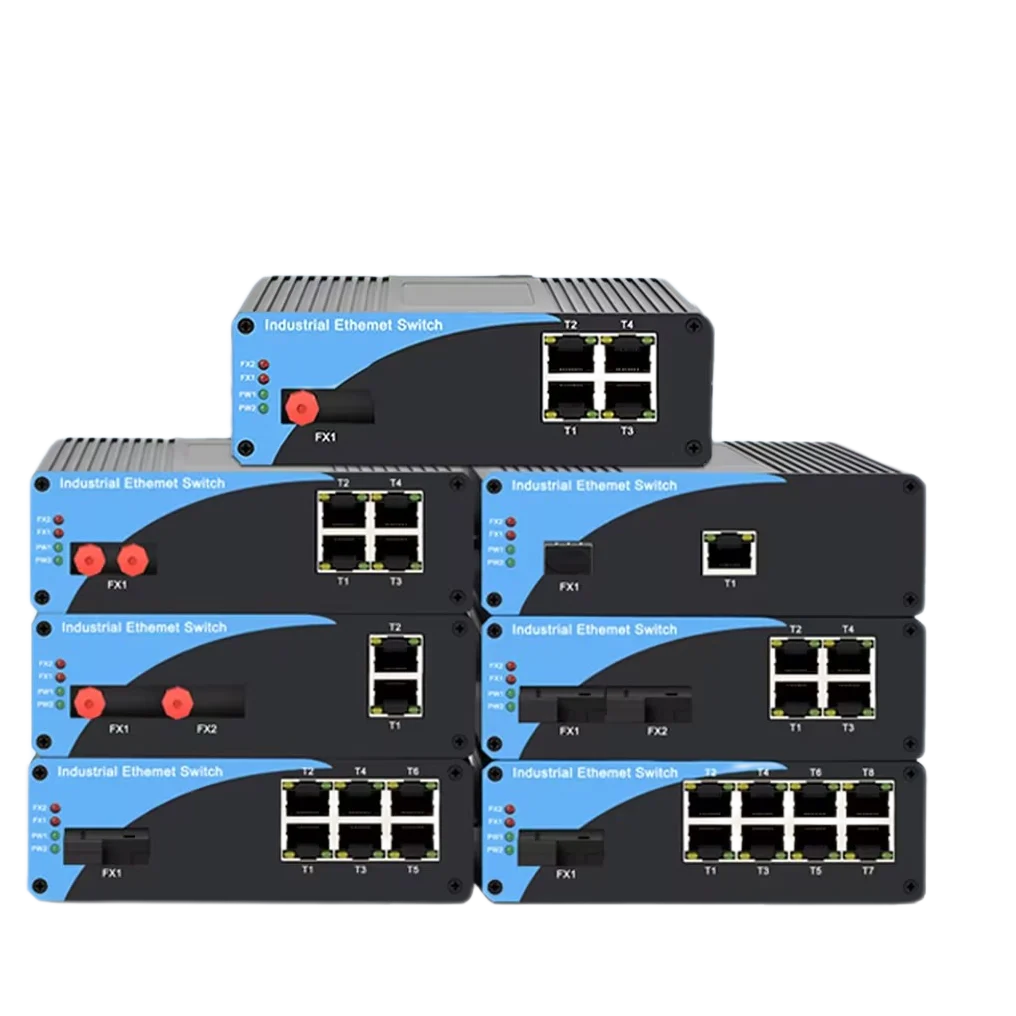
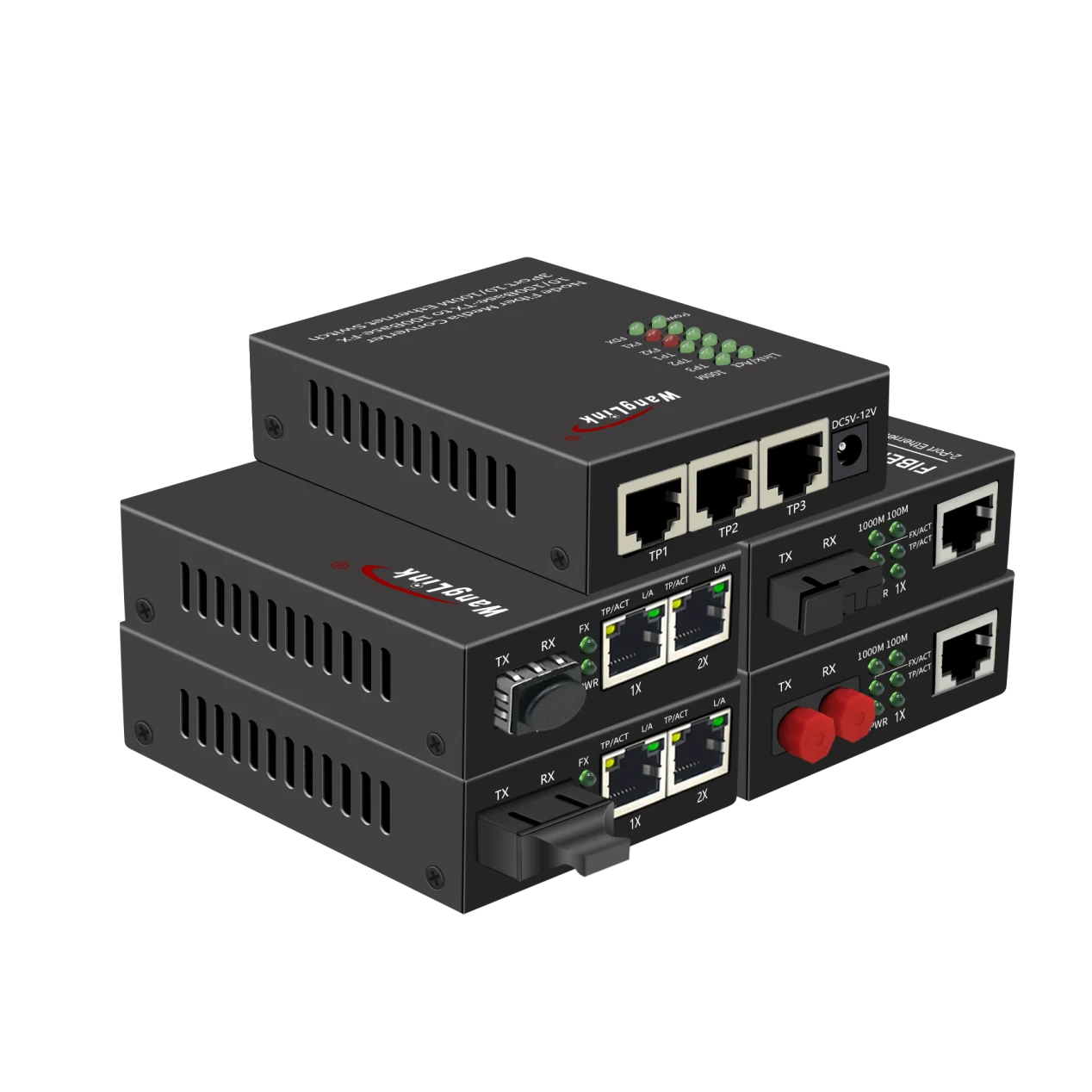


Quick answer: A PoE media converter is a two-in-one network device that converts optical fiber signals to copper Ethernet on its RJ45 side and injects Power over Ethernet (PoE) through that same copper port. One box therefore does two jobs: it extends a link beyond the 100 m (328 ft) twisted-pair limit, and it powers a remote device such as an IP camera, wireless access point, or door controller without a local power outlet.
If you have ever tried to mount a camera on a light pole 200 meters from the nearest switch, you have already met the two problems this device solves: copper Ethernet stops at 100 meters, and fiber — while it carries data for kilometers — carries no electricity at all. A PoE media converter bridges exactly that gap, which is why it has become a staple in perimeter surveillance, campus Wi-Fi, and industrial networking.
How Does a PoE Media Converter Work?
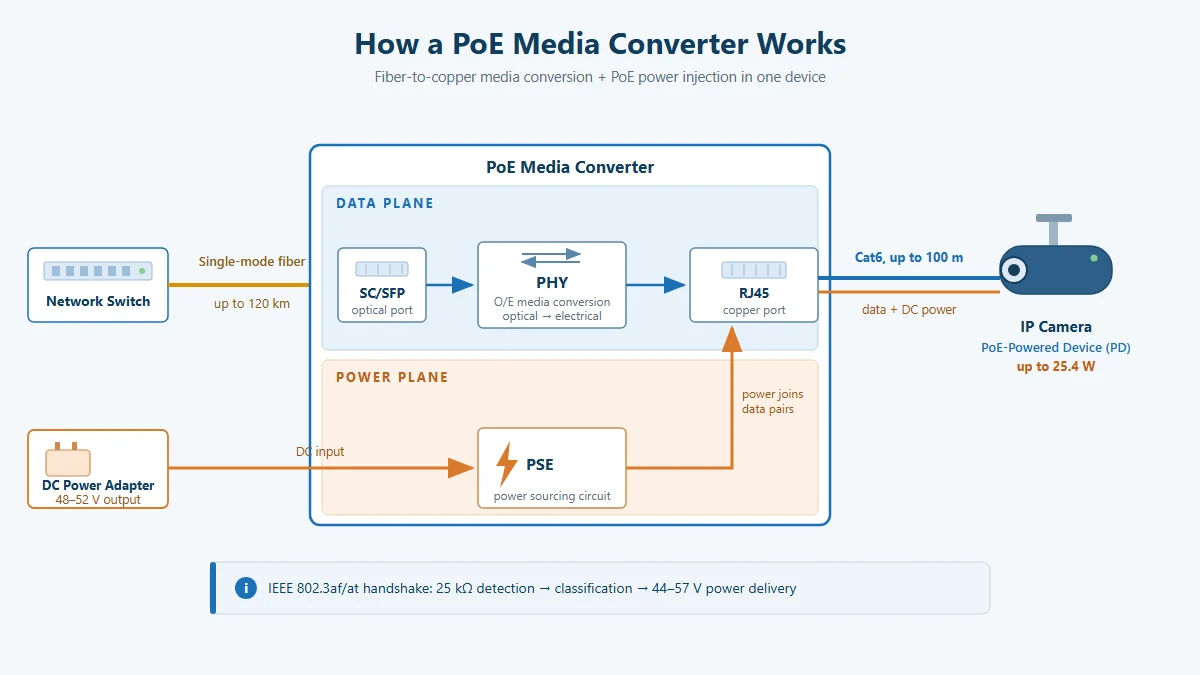
To understand the box, think of it as two independent planes running in one chassis: a data plane and a power plane.
Data plane: fiber to copper conversion
On the fiber side, the converter terminates an SC connector or an SFP transceiver module. The optical signal is converted by the PHY layer into an electrical Ethernet signal and forwarded to the RJ45 copper port. The conversion happens at Layer 1 — the device is transparent to MAC addresses, VLAN tags, and IP packets. There is no IP address to configure and no software to install: in the field, we typically power the unit, plug in fiber and copper, and see the link LED turn green in under a minute. Jumbo frames up to 9 KB pass through on most models, which matters if your cameras send large multicast bursts.
Power plane: where the PoE actually comes from
This is the part that trips up even experienced installers: PoE does not travel over fiber. Glass carries light, not electricity. So the converter is powered locally — usually from a 48–52 V DC adapter or a rack power supply — and its internal PSE (power sourcing equipment) circuit injects power onto the copper pairs going out to the end device.
The injection follows the standard IEEE handshake sequence. When the remote PD (powered device) connects, the PSE first measures the 25 kΩ signature resistance to confirm it is PoE-safe, then classifies it (Class 0–4 under 802.3af/at) to decide how much power to allocate, and only then ramps the port up to 44–57 V. If the handshake fails — for example if someone plugs in a non-PoE laptop — the port stays a plain data port and delivers no voltage. This is why you cannot “fry” a regular device by plugging it into a standards-compliant PoE port.
The power classes you will encounter in practice:
| IEEE standard | PSE output per port | Power guaranteed at PD | Typical loads |
|---|---|---|---|
| 802.3af (Type 1) | 15.4 W | 12.95 W | Fixed dome cameras, IP phones |
| 802.3at (Type 2) | 30 W | 25.5 W | PTZ cameras, Wi-Fi 6 APs, intercoms |
| 802.3bt (Type 3/4) | 60 / 90 W | 51 / 71 W | High-power APs, digital signage (model-dependent) |
Most current PoE media converters on the market — including the units we build at Wanglink — cover 802.3af/at, delivering up to 25.4 W per port at the far end. That covers the overwhelming majority of cameras and access points deployed today.
PoE vs. Non-PoE Media Converters: What Actually Changes
A standard (non-PoE) media converter does the same fiber-to-copper conversion but leaves the remote device to find its own power. That single difference cascades through the whole installation:
| Aspect | PoE media converter | Standard media converter |
|---|---|---|
| Powers the end device | Yes — via the RJ45 port | No — device needs its own PSU or a separate injector |
| Local outlet at the device | Not required | Required (or a second injector box) |
| Boxes hanging at the far end | 1 | 2–3 |
| Remote power cycling | Easy — cycle the converter | Hard — outlet is at the device |
| Outdoor/weatherproof installs | Simple: one IP-rated box | Complex: more enclosures, more failure points |
| Best for | IP cameras, APs, door controllers | Routers, servers, already-powered equipment |
The practical takeaway from dozens of installations: whenever the remote device is PoE-capable, a PoE-capable converter is almost always cheaper and more reliable than a plain converter plus a separate injector, because you eliminate one enclosure, one power run, and one point of failure per site.
Types of PoE Media Converters
“PoE media converter” is a category, not a single product. The variations you will see in datasheets break down along three axes.
1. By fiber interface: fixed SC vs. SFP slot
Fixed-SC models have the optic soldered in — single-mode or multimode, chosen at purchase. They are cheaper and ideal for closed, single-vendor deployments. SFP-slot models take pluggable transceivers, so you can stock one converter SKU and swap between 20 km, 40 km, or 120 km optics, or between single-mode and multimode, as each site requires. For system integrators maintaining spare parts across many sites, SFP flexibility usually pays for itself the first time a customer changes the fiber plan.
2. By speed: 100M, 1G, 2.5G
Fast Ethernet converters (155 Mbps optical) still dominate budget camera backhaul. Gigabit models (10/100/1000 RJ45, 1.25 G optical) are the current mainstream and the safe default. A newer class of 2.5G media converter with an SFP slot answers Wi-Fi 6/6E uplinks and multi-camera aggregation, where a single 1G link starts to pinch. As a rule of thumb from our deployment experience: size the fiber uplink at least 40% above your measured peak traffic — bandwidth is cheap at design time and expensive to retrofit.
3. By PoE port count
A 1-port gigabit PoE media converter is the classic “camera on a pole” unit: one fiber in, one powered RJ45 out. When two to eight devices sit within 100 m of each other — a cluster of cameras at a gate, an AP plus two cameras on a building corner — a multi-port unit such as a 4-port PoE media converter or an 8-port gigabit PoE media converter with 25.4 W per port replaces several single-port boxes and a small switch. These multi-port units are effectively “fiber-to-PoE switches” — the 2.5G media converter with an SFP slot covers the same job where the uplink must run above gigabit.
Terminology note: you will see “fiber to Ethernet media converter with PoE”, “PoE fiber converter”, and “PoE-to-fiber switch” used interchangeably in the market. They describe the same family of devices; check the port table, not the label.
Selection Guide: Matching the Converter to the Site
The five decisions below cover 95% of real deployments. Work through them in order:
| Your requirement | Recommended choice |
|---|---|
| Distance under 2 km, existing multimode plant | Multimode SC converter (100Base-FX / 1000Base-SX) |
| Distance 2–120 km, new single-mode fiber | Single-mode SC or SFP converter (20/40/60/120 km optics) |
| Mixed sites, spare-parts flexibility, future optics changes | SFP-slot model over fixed-SC |
| One PoE device at the far end | 1-port PoE media converter |
| 3–8 devices clustered within 100 m | 4- or 8-port PoE media converter (check per-port W and total budget) |
| Uplink demand approaching 1 Gbps | 2.5G SFP model |
| End device draws ≤ 12 W | 802.3af support is sufficient |
| PTZ, Wi-Fi 6 AP, or device drawing 12–25 W | 802.3at support (25.4 W class) required |
| Outdoor pole, roadside cabinet, elevator shaft | Metal housing + port surge protection (up to 4 kV on some models) — confirm on the datasheet |
Two details that datasheets underplay: surge protection and mounting. A converter on a pole shares a ground path with lightning-prone steelwork; models with port-level surge protection (up to 4 kV) measurably reduce field failures. And check for DIN-rail or wall-mount ears if the unit lives in a cabinet — desktop-only casings waste rack space.
Also verify how the unit handles the reverse situation: what happens when the PD draws nothing. Quality converters detect the disconnect and cut power within milliseconds, which both saves energy and lets you power-cycle a hung camera remotely by toggling the converter.
Typical Application Scenarios
Scenario 1: Perimeter camera beyond the 100 m copper limit
A warehouse perimeter needs a camera at a gate 220 m from the IDF rack. Copper is out of spec at that length; pulling a new power circuit to the gate costs far more than the camera. The standard fix: run single-mode fiber in the existing conduit, mount a PoE fiber converter in a small IP65 box at the pole, and deliver both data and power over the last meters of Cat6. One fiber strand, one DC adapter at the pole, camera online.
Scenario 2: Building-to-building campus links
Two office blocks 400 m apart, multimode fiber already in the duct. At the far building, a 4-port PoE media converter fans out to two Wi-Fi access points, an IP intercom, and a door controller. No local PoE switch, no electrician — the converter is the powered infrastructure for the whole remote floor.
Scenario 3: Rural checkpoint or highway surveillance
Monitoring points 20–120 km apart along a road or pipeline use single-mode optics, often single-fiber bidirectional (WDM) modules that send and receive on one strand to halve fiber usage. At each checkpoint, an 8-port converter with 25.4 W per port aggregates the local camera cluster onto the long-haul link. This is where the distinction between converter and switch disappears: functionally, you are deploying a compact fiber-fed PoE switch.
For a deeper comparison of the neighboring PoE device categories — standard PoE, reverse PoE, and non-standard forced power — see our related Knowledge Base article.
PoE Power Budget: A Worked Example
Selecting a converter without doing this arithmetic is the most common cause of “mystery” camera reboots at night (when IR illuminators switch on and power draw spikes). Here is the calculation we run on every multi-camera site.
Site: a gate cluster with 3 fixed 4 MP domes and 1 PTZ speed dome, fed by a 4-port gigabit PoE media converter rated 25.4 W per port.
Step 1 — list maximum (not typical) power per device (from camera datasheets, IR on):
| Device | Qty | Max draw | Subtotal |
|---|---|---|---|
| 4 MP fixed dome (IR on) | 3 | 6.5 W | 19.5 W |
| PTZ speed dome (heater off) | 1 | 18 W | 18 W |
| Total | 37.5 W | ||
Step 2 — add 20% headroom for cable loss and aging: 37.5 × 1.2 = 45 W required from the converter’s total PoE budget.
Step 3 — check the per-port limit: the largest load is the PTZ at 18 W, comfortably under the 25.4 W per-port ceiling. (Caution: PTZs with heaters/blowers often exceed 25 W — those need 802.3bt or an auxiliary power feed, not a bigger 802.3at port.)
Step 4 — verify the unit’s total budget on the datasheet is ≥ 45 W. An 802.3at-class 4-port unit will meet this; a unit only rated for 802.3af totals may not.
Step 5 — sanity-check uplink bandwidth: 4 × 6 Mbps (H.265, 4 MP, main stream) ≈ 24 Mbps peak, about 2.4% of the 1 Gbps fiber uplink. Keeping sustained uplink utilization below roughly 60% leaves room for multicast bursts and future cameras.
Five minutes of arithmetic at design time eliminates the single most common failure mode we see in the field.
Key Takeaways
- A PoE media converter = fiber-to-copper conversion + PoE injection in one box; fiber carries data only, power is injected on the copper side.
- Choose it over a plain converter + injector whenever the remote device is PoE-capable — fewer boxes, fewer failure points, lower total cost.
- Select by distance (single-mode vs. multimode), optics flexibility (fixed SC vs. SFP), speed (100M/1G/2.5G), port count, and surge protection.
- Always run the power budget: sum maximum draws, add 20% headroom, verify per-port and total budgets before ordering.
- Keep uplink utilization under ~60% to leave room for growth.
Planning a deployment with cameras or APs beyond the 100 m limit? Browse Wanglink’s full line of PoE media converters, or contact our engineering team for a site-specific power and fiber budget review.