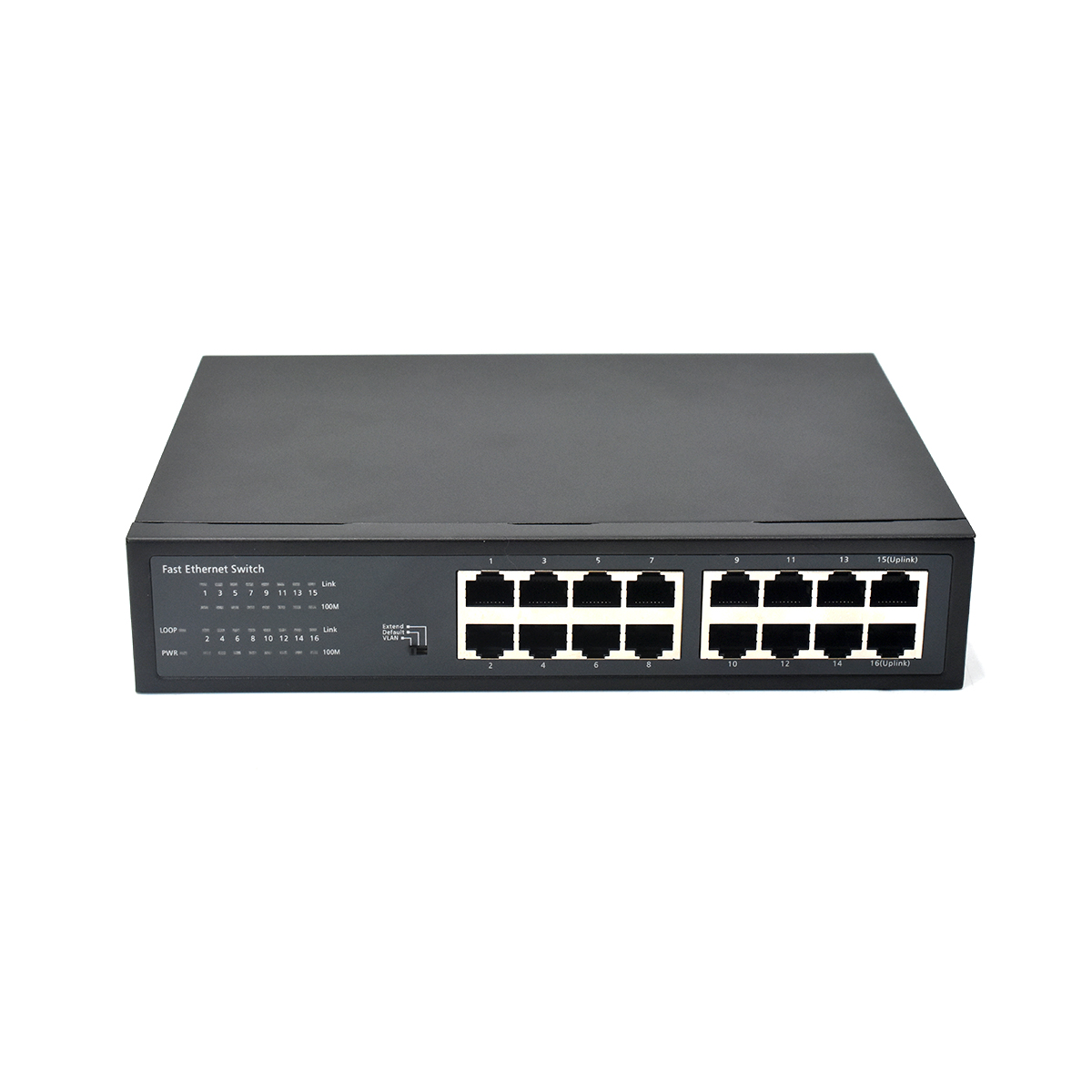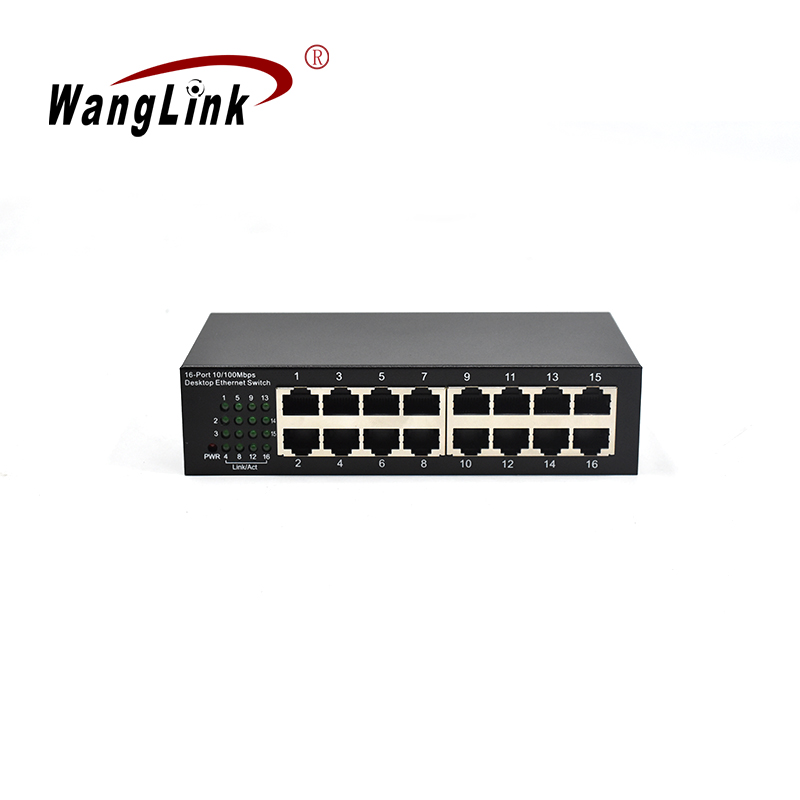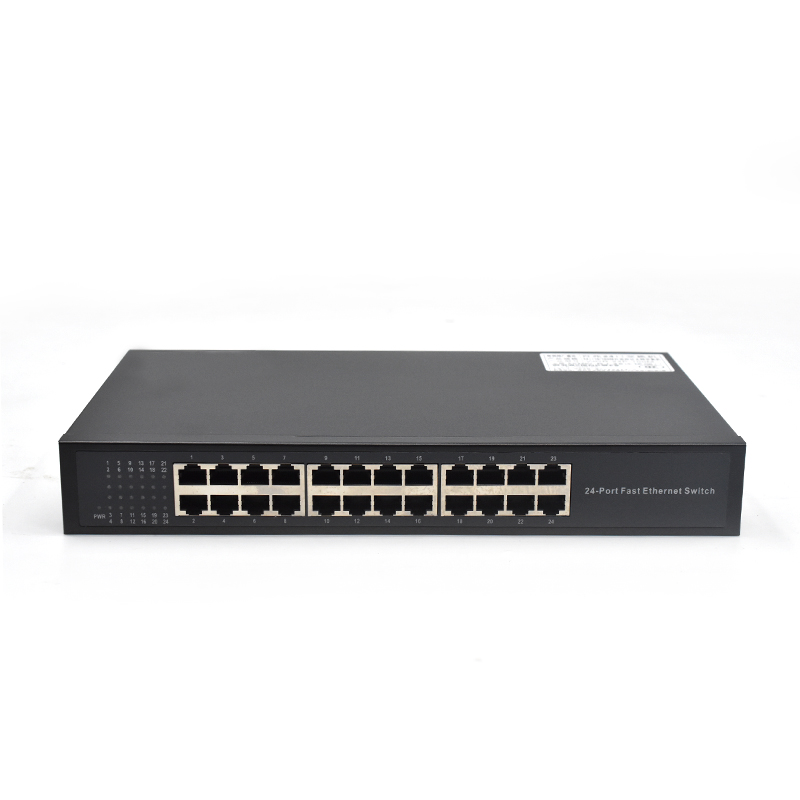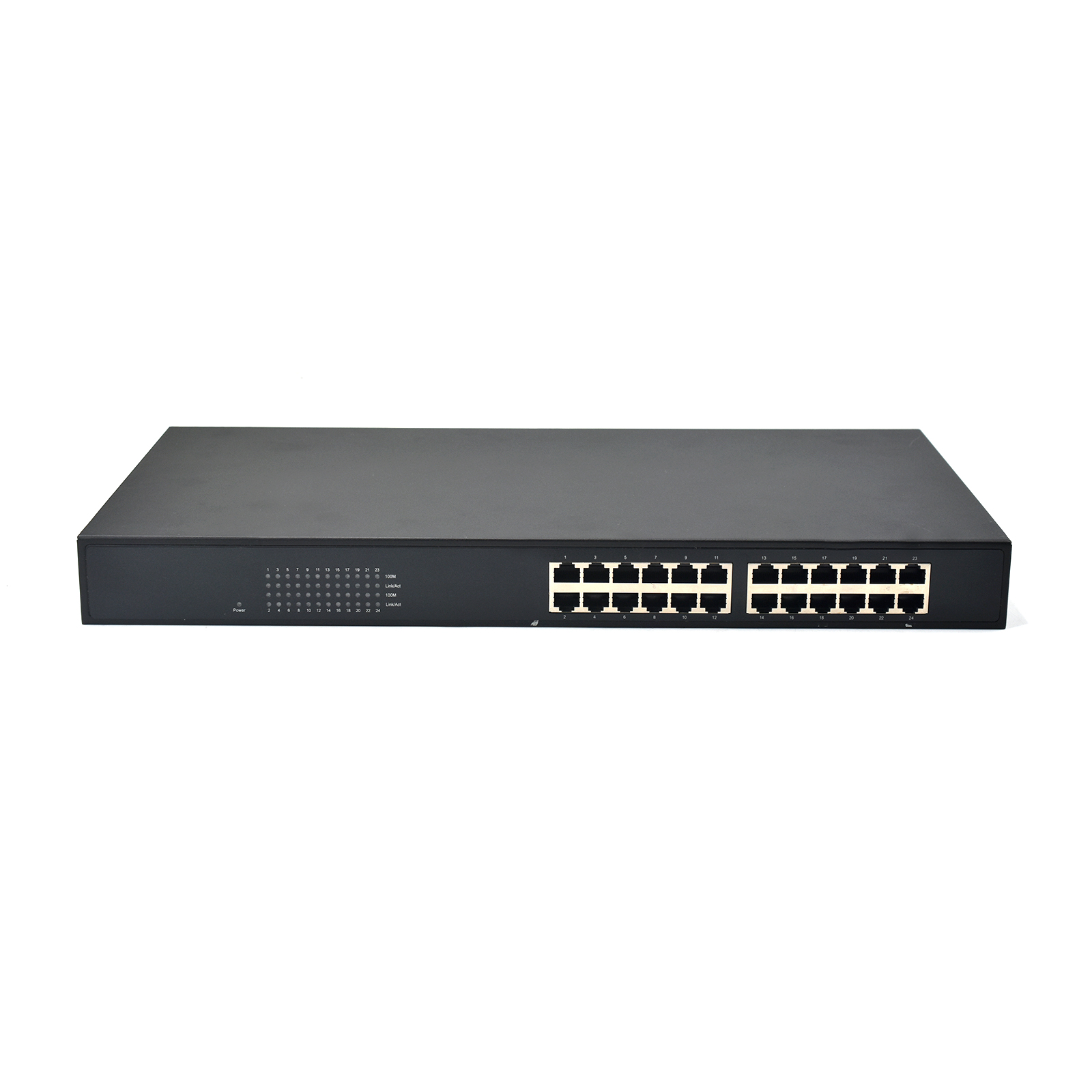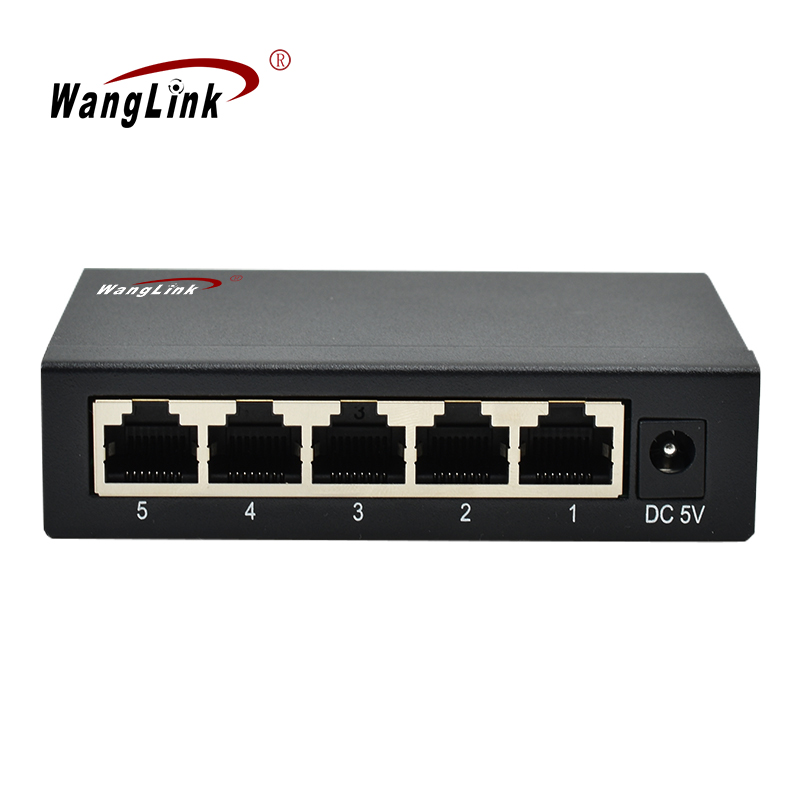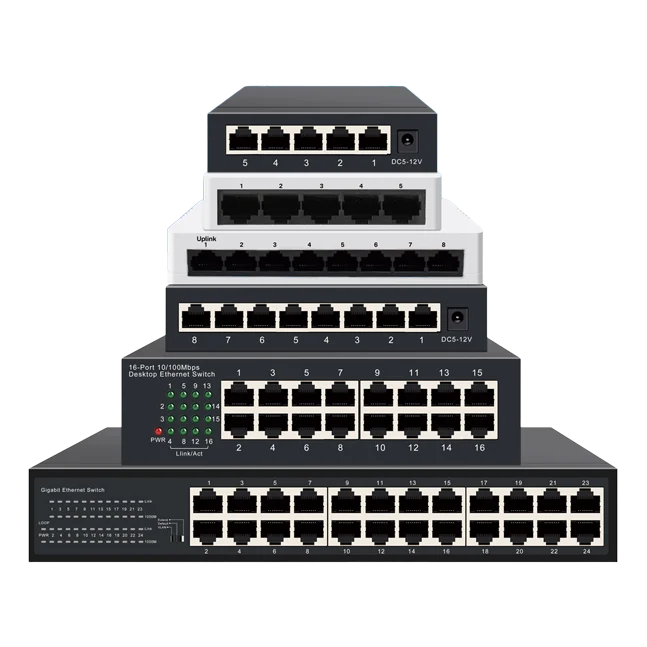
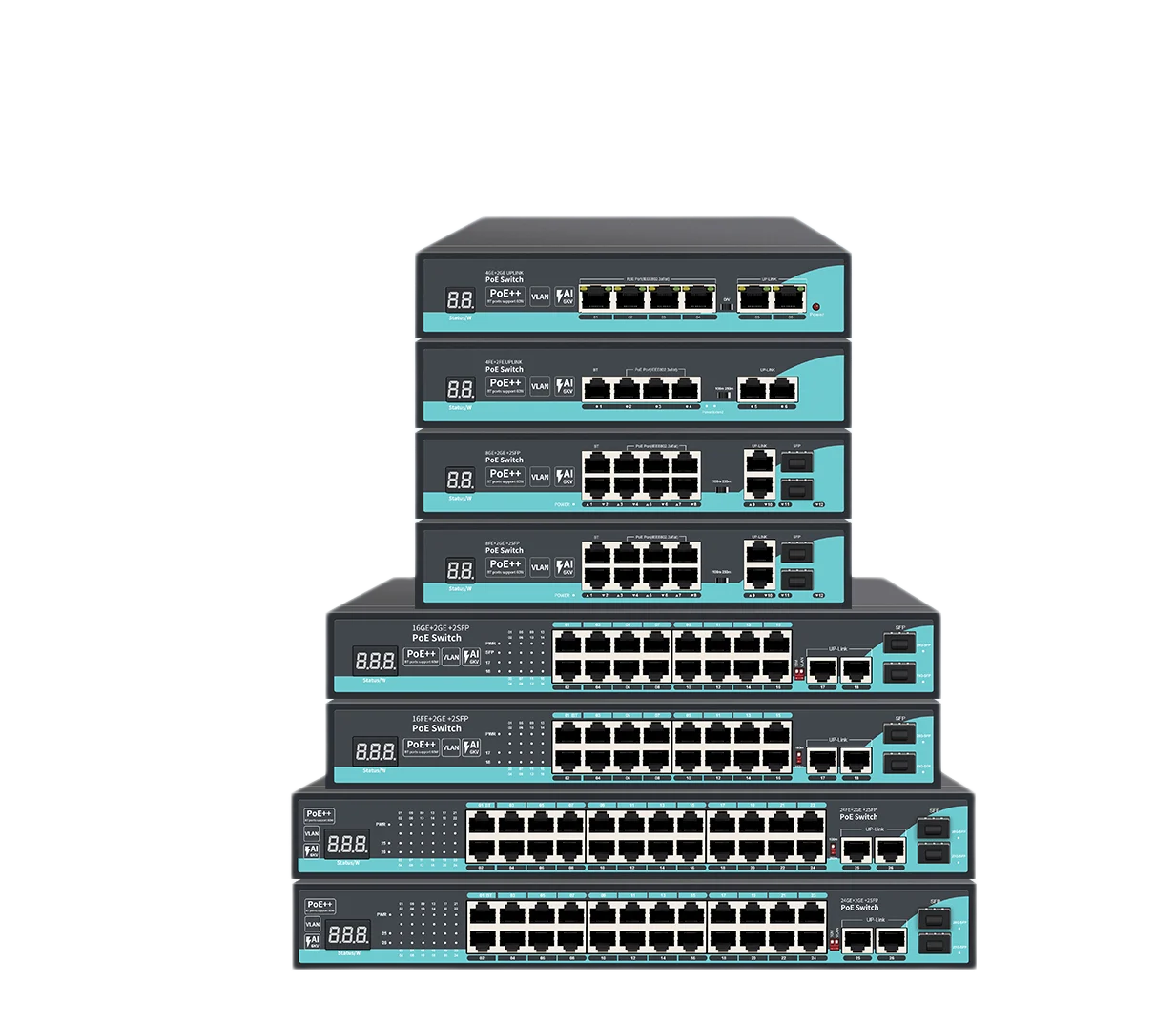
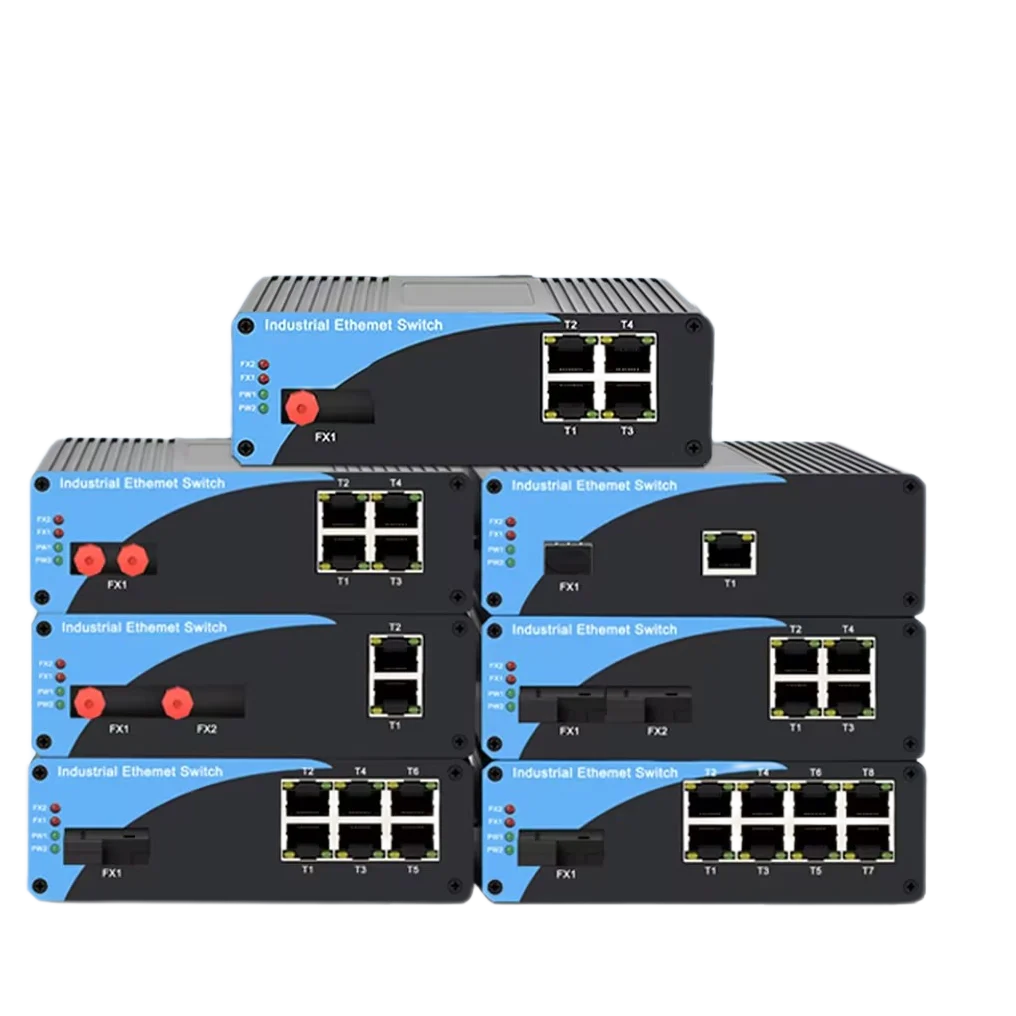
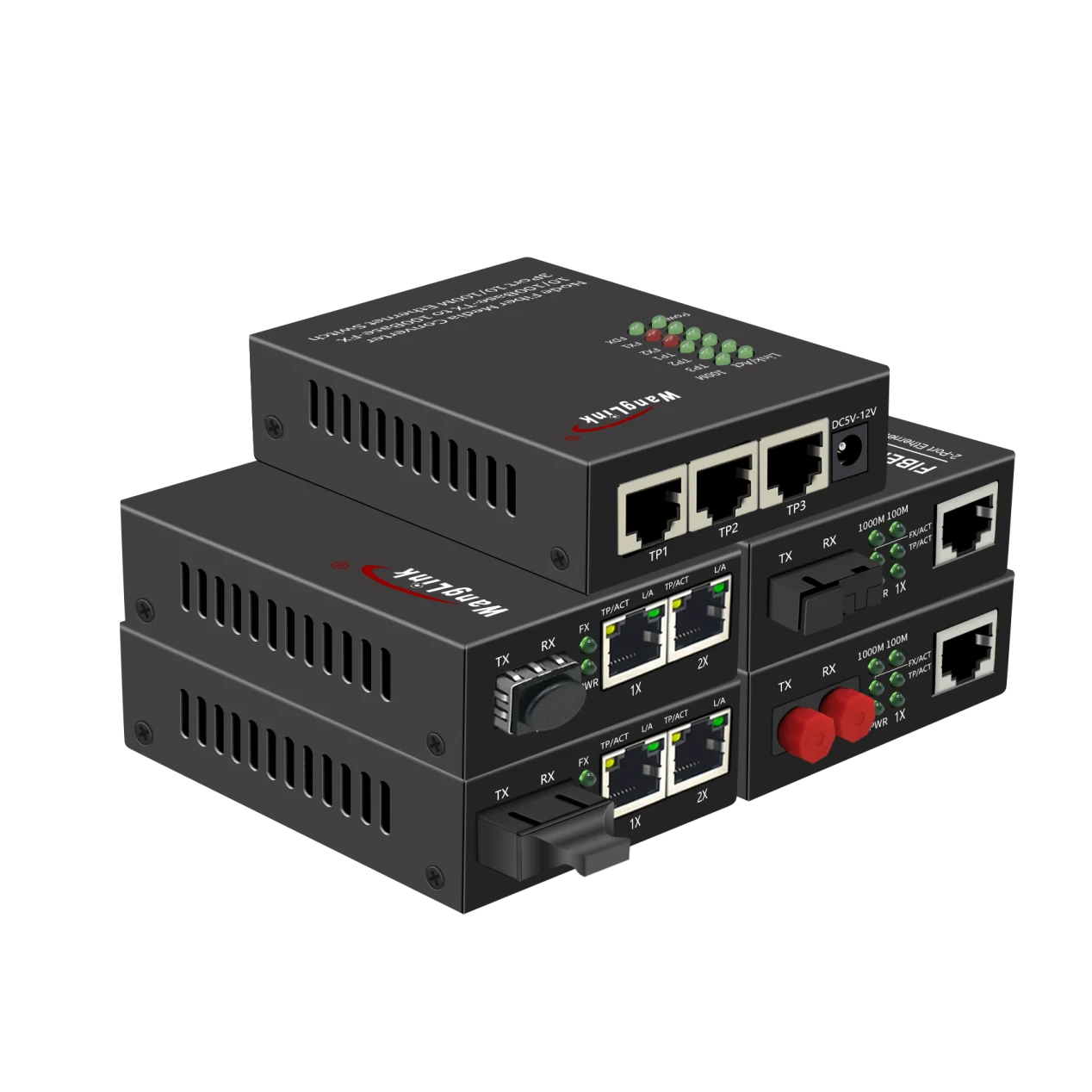
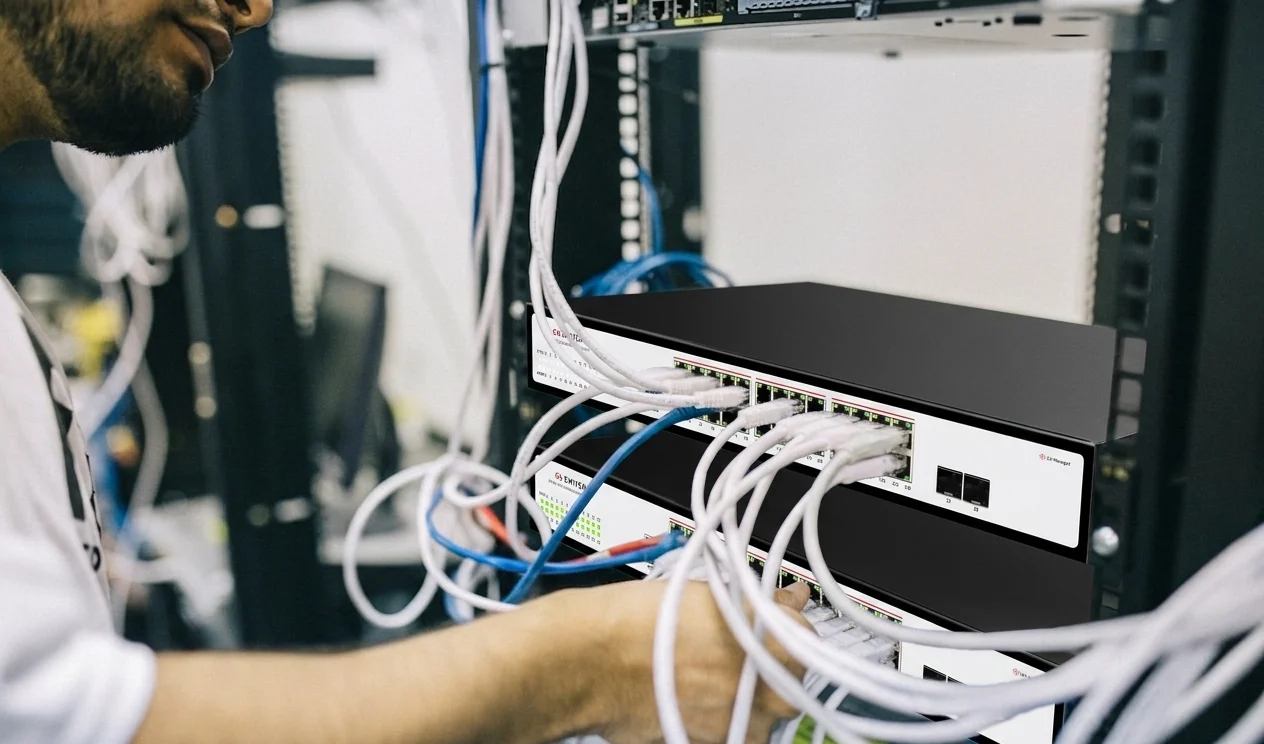
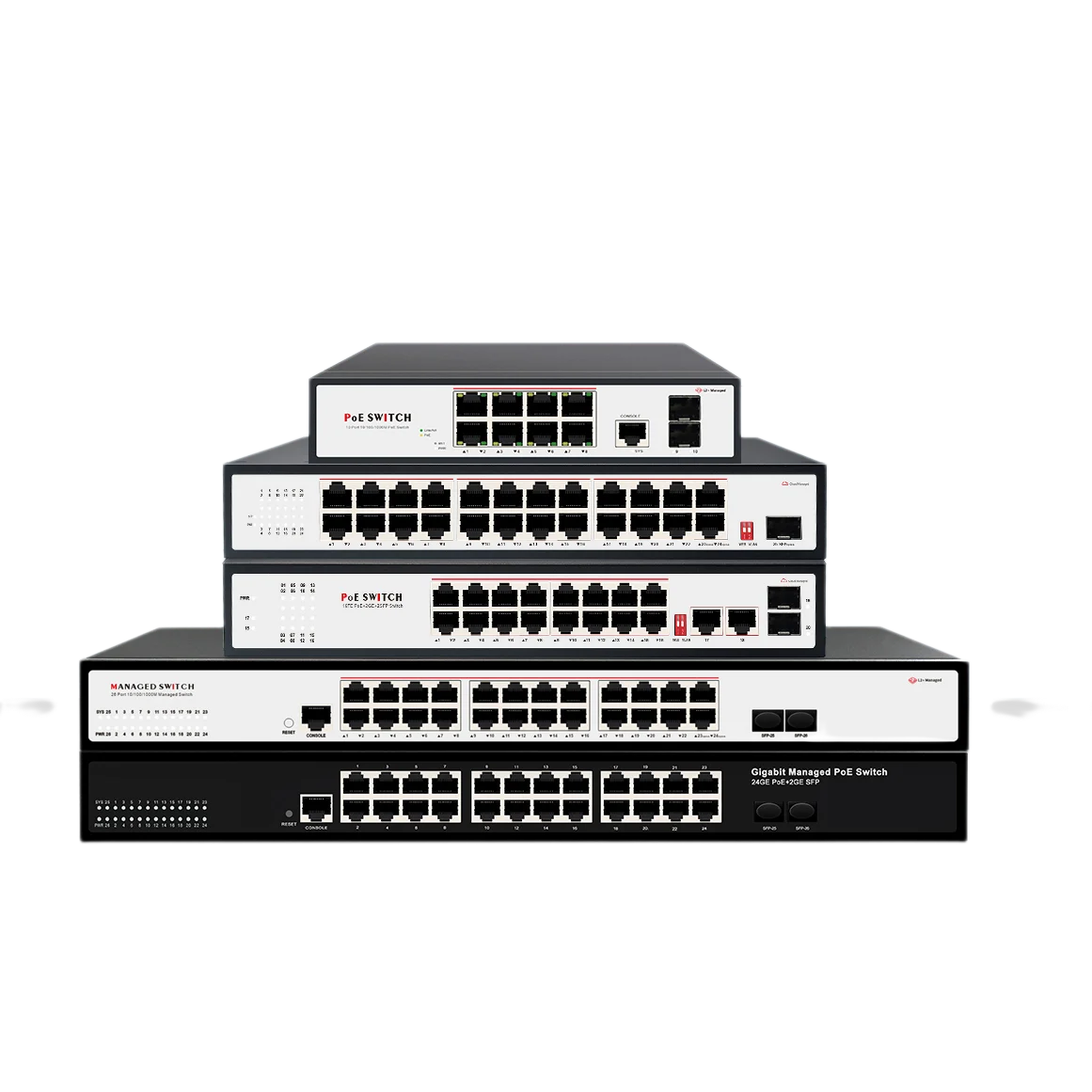
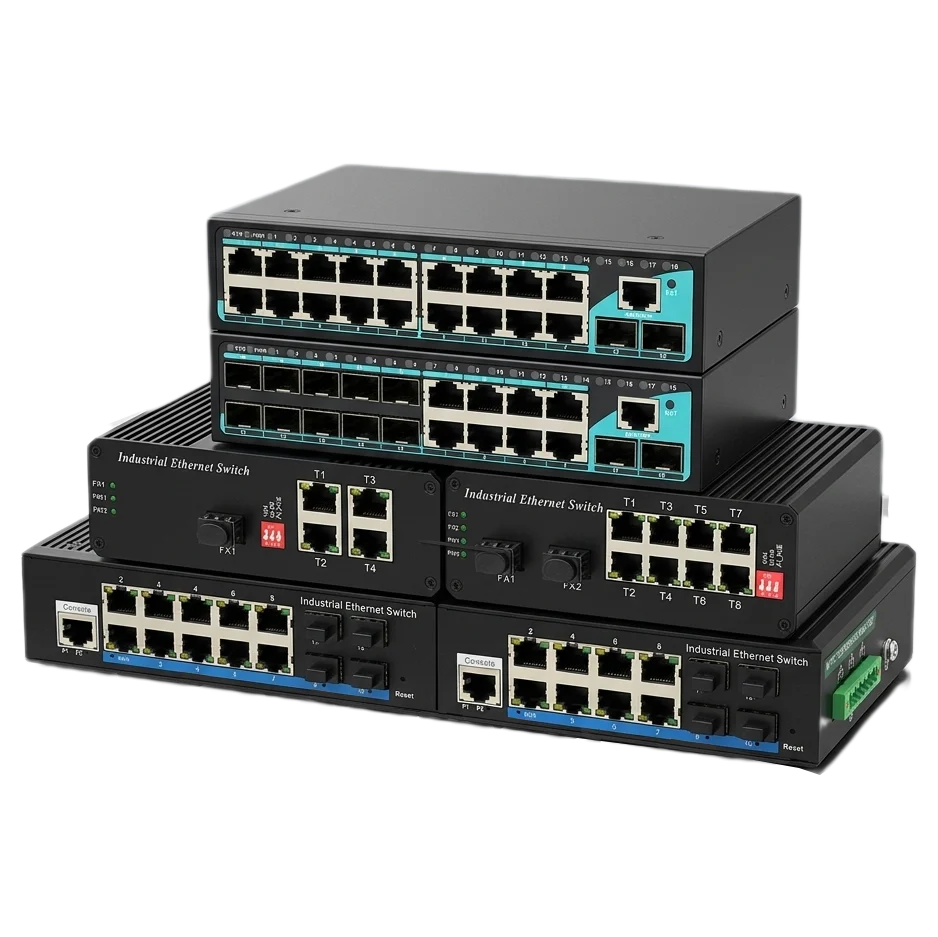


A network switch connects devices within the same local area network, such as computers, servers, IP cameras, wireless access points, printers, and industrial controllers. It receives Ethernet data packets, identifies the destination device, and forwards each packet through the correct port.
Unlike a basic hub, a network switch sends data only to the intended device whenever possible. This improves network efficiency, reduces unnecessary traffic, and supports reliable communication across business, industrial, surveillance, and data center networks.
1. What Does a Network Switch Do?
A network switch is a networking device that connects multiple wired devices on a local area network, or LAN.
For example, an office network may include:
- Desktop computers
- Network printers
- File servers
- IP phones
- Wireless access points
- Security cameras
- Network video recorders
- Internet of Things devices
- Industrial controllers and sensors
Each device connects to the switch through an Ethernet port. When one device sends data, the switch examines the destination address and forwards the data to the appropriate port.
Simple Example
When a computer sends a document to a network printer:
- The computer sends the data to the network switch.
- The switch checks the destination MAC address.
- The switch identifies the printer’s connected port.
- The switch forwards the data to that port.
- The printer receives and processes the document.
This targeted forwarding reduces unnecessary traffic compared with older network hubs.
2. How Does a Network Switch Work?
A network switch primarily uses MAC addresses to forward Ethernet frames.
A MAC address is a unique hardware address assigned to a network interface. When a device first communicates through the switch, the switch learns which MAC address is associated with each physical port.
It stores this information in a MAC address table.
Basic Switching Process
The switching process generally includes four steps:
- Learning
The switch reads the source MAC address of incoming Ethernet frames. - Address table creation
It records the source MAC address and the port where that device is connected. - Destination lookup
The switch checks the destination MAC address against its address table. - Frame forwarding
It forwards the frame through the correct port instead of sending it to every connected device.
If the destination address is unknown, the switch may temporarily forward the frame to multiple ports within the relevant network segment. Once the destination device responds, the switch can update its address table.
3. Why Is a Network Switch Important?
A network switch provides the physical and logical connection needed for devices to communicate on a wired network.
Efficient Data Transmission
A switch forwards traffic based on destination information. This helps reduce unnecessary data transmission and allows several devices to communicate more efficiently.
Network Expansion
Most switches provide multiple Ethernet ports. This allows organizations to connect additional devices without replacing the entire network infrastructure.
Full-Duplex Communication
Modern Ethernet switches generally support full-duplex communication. This means a connected device can send and receive data at the same time, helping improve network performance.
Network Segmentation
Managed switches can divide a physical network into logical VLANs. For example, a company can separate:
- Employee computers
- Guest Wi-Fi users
- Security cameras
- Voice-over-IP phones
- Production equipment
- Building management systems
This improves traffic control and can help limit the impact of network faults or unauthorized access.
Power and Data over One Cable
Power over Ethernet, or PoE, switches can transmit both electrical power and network data through a single Ethernet cable. This is useful for devices such as:
- IP cameras
- Wireless access points
- VoIP phones
- Access control terminals
- IoT sensors
The exact available power depends on the PoE standard and switch power budget.
4. What Is the Difference Between a Switch and a Router?
A network switch and a router perform different roles.
| Feature | Network Switch | Network Router |
|---|---|---|
| Main function | Connects devices within a local network | Connects different networks |
| Primary addressing | MAC addresses | IP addresses |
| Typical location | Inside a LAN | Between a LAN and other networks |
| Internet access | Usually does not provide routing by itself | Directs traffic to the internet or another network |
| Common features | VLANs, PoE, port management | NAT, DHCP, firewall, WAN connectivity |
A typical business network may use both devices:
Internet service → Router or firewall → Network switch → Computers, cameras, servers, and access points
Some small business routers include built-in Ethernet switch ports. However, larger networks often use dedicated switches to provide more ports, higher capacity, stronger management features, and better scalability.
5. Types of Network Switches
5.1 Unmanaged Network Switch
An unmanaged switch is designed for simple plug-and-play installation. It usually requires no configuration.
It may be suitable for:
- Small offices
- Home networks
- Basic workgroups
- Simple device connections
- Temporary installations
Unmanaged switches are easy to deploy, but they generally do not support advanced features such as VLAN configuration, traffic monitoring, link aggregation, or redundant network protocols.
5.2 Managed Network Switch
A managed switch allows an administrator to configure and monitor the network.
Common features include:
- VLAN support
- Quality of Service, or QoS
- Link aggregation
- Port mirroring
- Access control lists
- SNMP monitoring
- Spanning Tree Protocol
- Multicast management
- Port security
- Traffic statistics
- Firmware management
Managed Ethernet switches are commonly used in enterprise networks, surveillance systems, industrial automation, transportation infrastructure, and data centers.
5.3 Smart or Web-Managed Switch
A smart switch provides more configuration options than an unmanaged switch while remaining simpler than a fully managed enterprise switch.
It may offer a browser-based management interface for:
- VLAN setup
- PoE control
- Basic QoS
- Port status monitoring
- Link diagnostics
- Traffic control
This type of switch can be appropriate for small and medium-sized business networks that need basic management without a complex command-line environment.
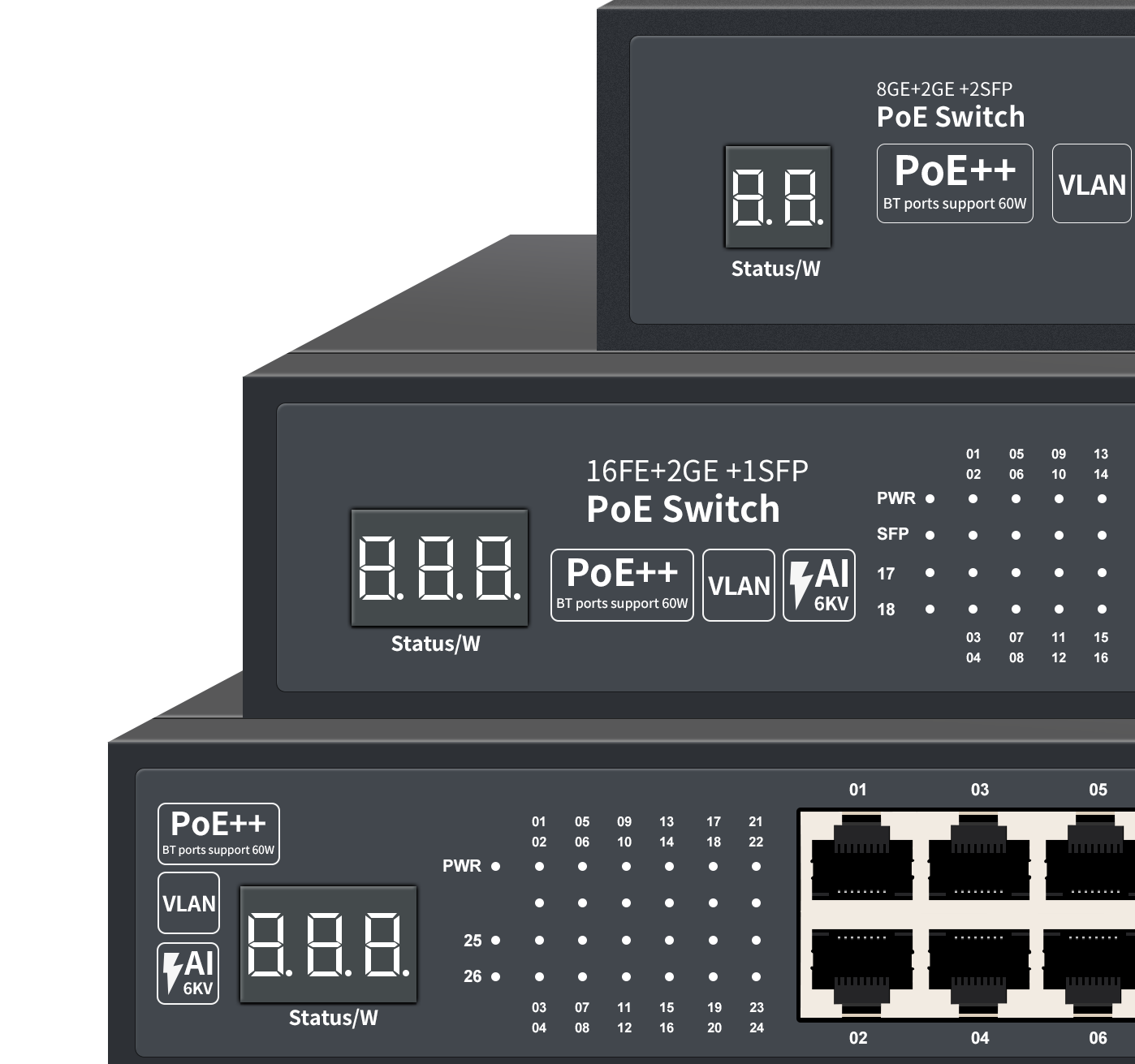
5.4 PoE Network Switch
A PoE switch supplies power and data through Ethernet cables.
PoE deployment can reduce installation complexity because powered devices may not require a separate local electrical outlet. It is particularly useful when devices are installed in ceilings, outdoor areas, factory floors, or security locations.
Before selecting a PoE switch, network planners should verify:
- PoE standard compatibility
- Power available per port
- Total PoE power budget
- Cable length and quality
- Device startup power requirements
- Ambient operating temperature
5.5 Industrial Ethernet Switch
An industrial Ethernet switch is designed for demanding environments where standard office equipment may not be suitable.
Industrial switches may support:
- Wide operating temperature ranges
- DIN-rail or wall mounting
- Redundant power inputs
- Overvoltage and surge protection
- Ring network redundancy
- Fast fault recovery
- High electromagnetic interference resistance
- Fiber optic uplinks
- IP-rated enclosures, depending on the model
They are often deployed in factories, substations, traffic control systems, railway infrastructure, oil and gas facilities, and outdoor surveillance networks.
5.6 Layer 2 and Layer 3 Switches
A Layer 2 switch forwards traffic using MAC addresses. It is commonly used to connect devices within VLANs and local network segments.
A Layer 3 switch can also route traffic between IP networks or VLANs. This allows it to perform some functions traditionally associated with routers.
Layer 3 switching can reduce network bottlenecks in larger LANs by routing traffic closer to the access layer.
6. How a Network Switch Supports Business Networks
A network switch forms the connection layer for many business applications.
Office Connectivity
Switches connect computers, printers, phones, access points, and servers. Managed features can help administrators prioritize voice traffic and isolate guest devices.
IP Video Surveillance
A PoE switch can provide both Ethernet connectivity and power to IP cameras. VLANs can separate camera traffic from office traffic, while fiber uplinks can connect remote camera areas to a central control room.
Wireless Networks
Wireless access points typically connect to Ethernet switches. PoE allows access points to receive power through the same cable used for network communication.
Data Centers
Data center switches connect servers, storage systems, security appliances, and uplinks. High port density, bandwidth, redundancy, and monitoring are important selection factors.
Industrial Automation
Industrial switches connect programmable logic controllers, human-machine interfaces, sensors, remote I/O modules, and supervisory control systems. Network redundancy can help maintain communication when a link or switch fails.
7. Network Switch Features to Consider
Selecting a network switch requires more than counting Ethernet ports.
Port Speed
Common Ethernet speeds include:
- 100 Mbps Fast Ethernet
- 1 Gbps Gigabit Ethernet
- 2.5 Gbps and 5 Gbps multi-gigabit Ethernet
- 10 Gbps Ethernet
- Higher-speed fiber uplinks for backbone connections
The correct speed depends on endpoint requirements, uplink traffic, server connections, video bandwidth, and future expansion.
Port Density
A switch should provide enough ports for current devices plus reasonable expansion capacity. Installing a switch with no spare ports can create unnecessary replacement work later.
Uplink Capacity
Uplinks connect access switches to aggregation switches, routers, firewalls, or servers. A switch with Gigabit access ports may require higher-speed uplinks to prevent congestion.
VLAN Support
VLANs allow administrators to separate traffic logically. This is useful for security, performance management, and operational control.
Redundancy
Critical networks may require redundant links, dual power supplies, ring protocols, or Rapid Spanning Tree Protocol. The selected redundancy method must match the network topology and required recovery behavior.
Environmental Rating
For industrial or outdoor applications, review:
- Operating temperature
- Humidity tolerance
- Vibration resistance
- Shock resistance
- Electromagnetic compatibility
- Mounting method
- Enclosure protection
- Power input design
These specifications should be verified against the actual installation environment.
Monitoring and Management
For business-critical networks, useful management functions may include SNMP, event logging, remote configuration, port diagnostics, alarm outputs, and centralized monitoring.
8. Network Switches and Network Performance
A switch does not automatically make every network faster. Performance depends on the entire network design, including:
- Port speed
- Switching capacity
- Packet forwarding rate
- Uplink bandwidth
- Cable quality
- Server performance
- Traffic patterns
- Network topology
- Configuration quality
For example, connecting many high-bandwidth devices to a switch with an undersized uplink can create a bottleneck. Similarly, a high-speed switch cannot compensate for damaged cables or overloaded servers.
A reliable design evaluates the expected traffic between access devices, servers, uplinks, and external networks.
9. Common Network Switch Questions
Does a network switch provide Wi-Fi?
No. A standard Ethernet switch does not create a wireless signal. A wireless access point is required for Wi-Fi connectivity. The switch may connect to and power the access point through PoE.
Does a network switch provide internet access?
A switch connects devices within a local network, but it does not normally provide internet access by itself. A router, firewall, or gateway is generally needed to connect the LAN to the internet.
Can I connect one switch to another?
Yes. Switches can be connected through Ethernet or fiber uplinks. The uplink speed and network design should be selected carefully to avoid congestion or loops.
Do all switches support PoE?
No. PoE is available only on switches specifically designed to provide power over Ethernet. The switch should be checked for its PoE standard and total power budget.
Is a managed switch better than an unmanaged switch?
The answer depends on the application. An unmanaged switch may be sufficient for a simple network. A managed switch is more suitable when the network requires VLANs, monitoring, traffic control, redundancy, or centralized administration.
Can a network switch improve security?
A switch can support security controls such as VLANs, port security, access control lists, and network monitoring. However, a complete security strategy also requires appropriate firewalls, authentication, endpoint protection, software updates, and operational policies.
10. Key Takeaways
A network switch:
- Connects multiple wired devices on a local network
- Forwards Ethernet frames to the correct destination port
- Uses MAC addresses to learn device locations
- Reduces unnecessary local network traffic
- Supports network expansion
- Can separate traffic with VLANs
- Can provide power through PoE
- Can improve availability through redundancy features
- Connects business, surveillance, wireless, and industrial equipment
For simple networks, an unmanaged switch may be sufficient. For enterprise, industrial, surveillance, or mission-critical applications, a managed or industrial Ethernet switch provides greater control, visibility, and resilience.
Recommended Next Step
Before choosing a network switch, define the application requirements, including the number of connected devices, port speeds, uplink bandwidth, PoE power needs, VLAN design, environmental conditions, and redundancy objectives.
Ready to design a more reliable Ethernet network? Contact our network specialists to discuss the right managed, PoE, fiber, or industrial Ethernet switch for your application.